TonyE
Staff Pukes
-
Joined
-
Last visited
Everything posted by TonyE
-
-
I'm thinking this won't help much but you can click any point on the map to get the latitude and longitude. The status bar at the bottom of the main GE/Harpoon window will show text like "Range is 42nm, Bearing is 263 degrees [from (69.67, 0.16) to (69.57, -1.83)] VDeep". That gives you range and bearing between the previous clicked position and the new clicked position, then the previous lat, lon and current lat, lon in parenthesis followed by the depth at the current point. One partial quick-fix would be if I added the lat/lon to the Weather Report dialog Ctrl+w.
-
HCE - 2019.003 - 2019-11-18 =========================== - Chg:00000 GE IsAttacking function crashes the game when testing groups with no units. Now there shouldn't be any groups with no units at that point so this should never happen. Nevertheless, added a null check and the game no longer crashes for this case. (thanks eeustice)
-
Indeed welcome back. Brad sums it up well, I've done some small exploratory projects adjacent to the game, the current one is in hopes of making an add-on/ExportDLL available that draws players to the US Naval Institute (USNI). I continue to be very interested in your findings with Harpoon and thoughts on what would make it easier to play. I'd welcome a voice discussion at some point when you have some thoughts assembled.
-
Much has changed about air patrols... The hint about scenarios built in older versions is intriguing, do you have an earlier operable scenario editor to try crafting a simple scenario that you then load up into the newest game engine? If not, I can throw a simple scenario together.
-
-
Richard, yup, let us know what you did to move the game to the new computer. Running as administrator is indeed key if you did a proper install. If you didn't do a proper install, we can help with that too.
-
I'm no authority but from a US perspective it seems to be a thing in the F-15 & F-16 days (post F-4. pre-widespread AMRAAM usage). Whether it is effective in late model F-15, F-16 and everything newer is a good question and probably depends upon the actual radar in use and even its software version and configured parameters. Naturally 'notching' seems to be a thing with SAMs as well. Answering your question directly, definitely something from Cold Wars days. It should be a less and less an effective tactic as time progresses. Here is a link to one of the better post-Cold War articles (which itself contains an obligatory Cold War data link) https://forum.keypublishing.com/forum/modern-military-aviation/117289-anti-bvr-tactics
-
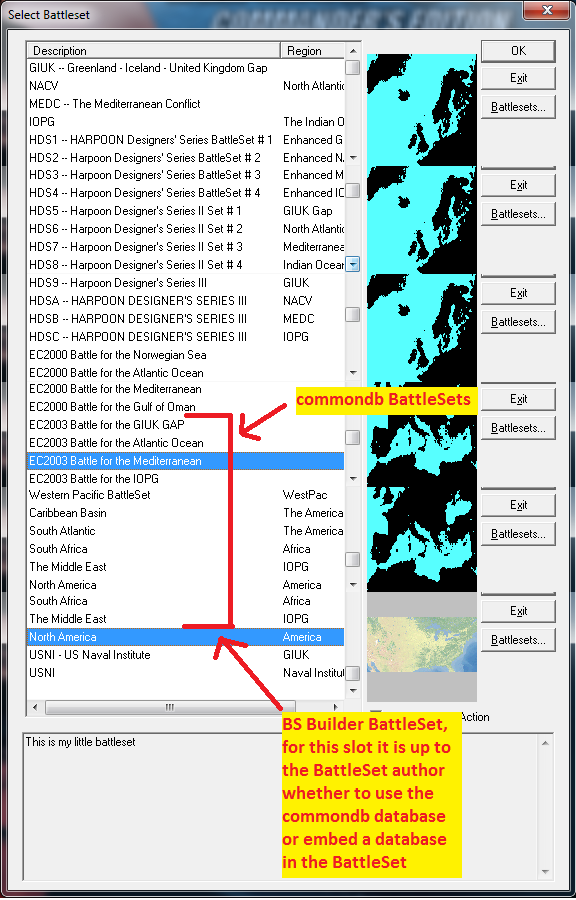
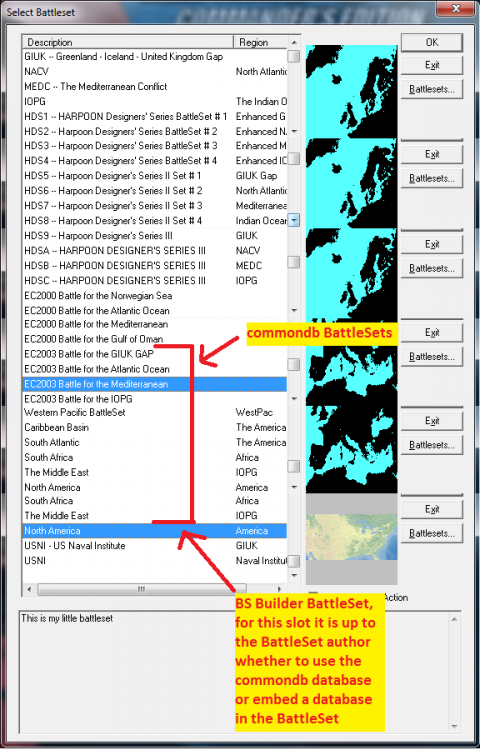
new codename/package label: commondb BattleSet - a BattleSet that uses the commondb.res and commondb.rsr files. A non-commondb BattleSet has the platform database information embedded in the BattleSet files and is not affected by swapping out the commondb files. As you can see from the screenshot below, there are far more non-commondb BattleSets than commondb but the bulk of the user-submitted scenarios are in the commondb BattleSets since the commondb/user-editable database brings so much more to the table in terms of making use of the game's functionality. An acronym list https://harpgamer.com/harpforum/topic/2082-hc-acronyms/ Information on leveraging user scenarios plus a link to understanding scenario and saved game filenames https://harpgamer.com/harpforum/topic/13353-user-scenarios-and-custom-databases/ BattleSets information https://harpgamer.com/harpforum/topic/11347-battlesets/ (textual view of the graphic below)
-
Whoo hoo, great progress! Indeed, if you want to play the stock EC2003 or newer BattleSet scenarios, you will want to revert back to HCDB (the original commondb files). Yes, if you want to dig through the rest of the strangeness sometime, we can set up a time to chat and maybe share your screen.
-
Well no, I'm not familiar with exceptions when installing pieces of HC. Can you provide detail, screenshots, etc? ugly video posted that covers the install and set up for the Porter scenario.
-
I recorded a video last night but have to do a bit of editing. It should be posted in the next 24 hours. By chance might you have security software deleting the files? That would make some sense for the winharp32.exe and wscenedt32.exe files but not the commond.res file. Eric on this thread had Norton security suite deleting winharp32.exe for a while (errantly).
-
You can install from any folder, choosing the right folder to install to is the key. What is the path to your winharp32.exe (i.e. your game directory)? I'll be on IRC for at least a half hour from right now if you want to come text chat our way through this. https://webchat.freenode.net/ channel #harpgamer
-
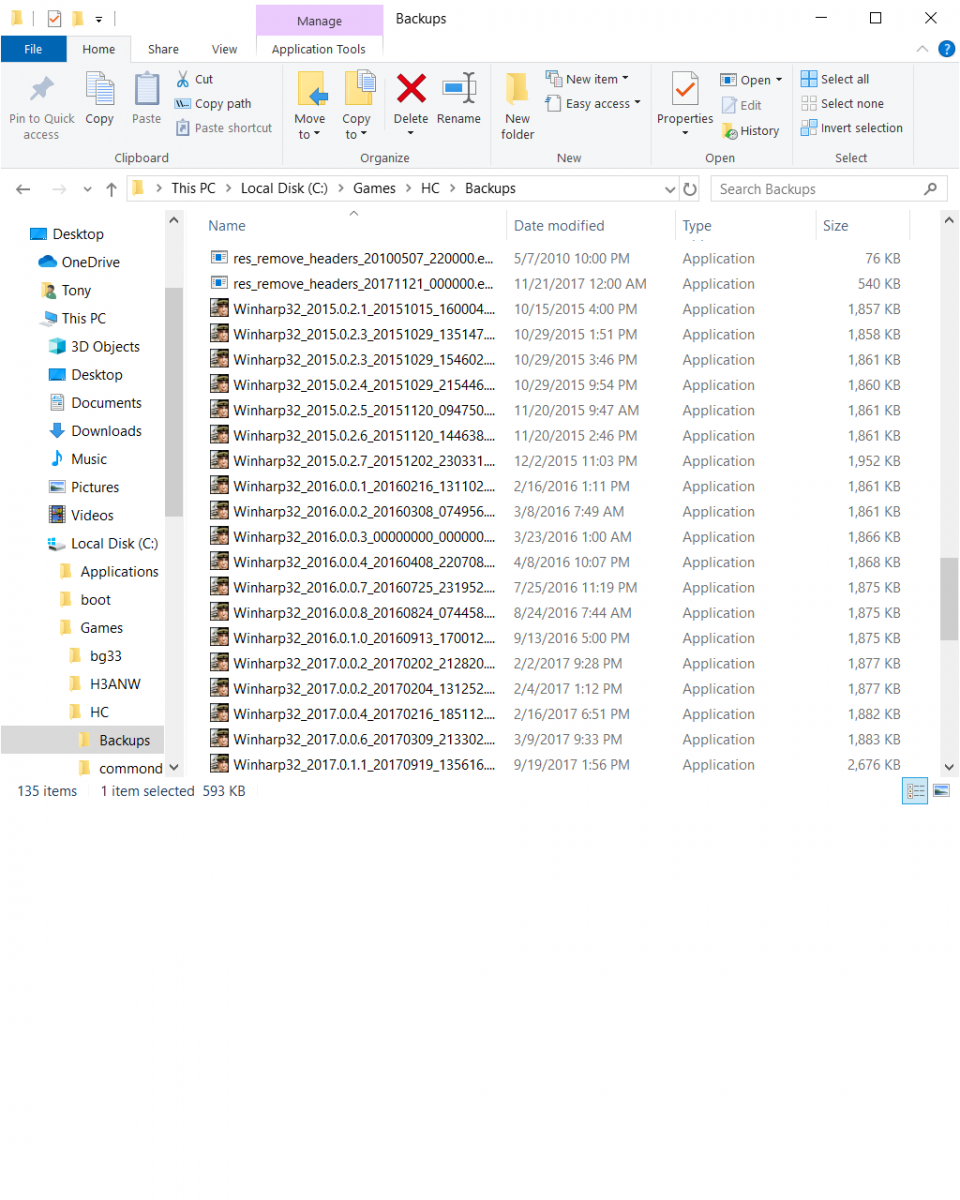
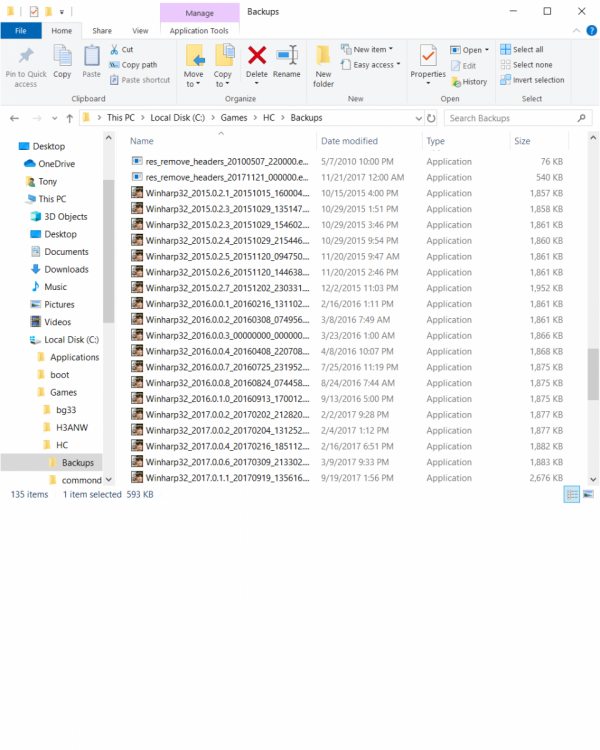
A reinstall wasn't necessary but I understand the haste. The process could be easier. It is only the database update that makes the original scenarios (specifically only those in the EC2003 and new BattleSets) unplayable. A copy of the original database is in the commondb.bak subdirectory of the game (so by default C:\Matrix Games\HUCE\commondb.bak\commondb.res) so the backup is already made for you. The beta installers also make backups of the files it replaces, they can be found in the Backups subdirectory of your game (screenshot of mine attached).
-
Try not to worry, we will get you there. Please open ReleaseNote.txt in your game directory and post the version listed towards the top of the file. Example below from mine. This will help narrow down where things went wrong. HCE - 2019.002 - 2019-07-29
-
Yes, Harpoon CE in the menu. For the Porter scenario you need to take some extra steps like eeustice mentions. The first is to update to the latest beta by following the post at https://harpgamer.com/harpforum/topic/29035-current-files/ The second is to grab the database listed, HCDB2 which you can grab from https://harpgamer.com/harpforum/files/file/934-hcdb2-170909-1980-2025/ "Download this file" button. Extract the contents of that zip file to your HUCE directory (by default C:\Matrix Games\HUCE\ ). It will want to overwrite the existing database file which you can go ahead and do. Third is to grab the scenario file from https://harpgamer.com/harpforum/files/file/941-porter-black-sea-and-sea-shield-2017-february-2017-historicalalternate-history-scenario/ Extract the contents of that zip file as well to your HUCE directory. Fourth, fire up the game. If you get to select a BattleSet, select "EC2003 Battle for the Mediterranean" and click OK. If you don't get to select a BattleSet and are taken directly to a scenario, go to the File menu, then New, Yes to quit game and you will be taken to the BattleSet selector where I suggest you uncheck "Enable Instant Action" then select "EC2003 Battle for the Mediterranean" and click OK. Fifth, click "User Scenario". Sixth, navigate the Open dialog to your HUCE directory/folder and double-click "PORTER 2017-2.sco" to load the scenario. Let us know how you fare, happy to help more, screenshots, a video, etc.
-
This should be fixed in 2019.002, please give it a whirl.
-
HCE - 2019.002 - 2019-07-29 =========================== - Chg:00000 GE If there is not a valid group and unit for a LaunchLand event, discard that event upon saved game load. https://harpgamer.com/harpforum/topic/29593-ge-2019001-save-gam-crash/ (thanks eeustice) - Chg:00000 GE If there is not a valid group and unit for a LaunchLand event, discard that event upon saving game. - Chg:00000 SE If there is not a valid group and unit for a LaunchLand event, discard that event upon saving scenario.
-
nearly fixed... Loading saved games is fixed, saving games is fixed, saving scenarios should be fixed. Need to test and refine.
-
Nice, thanks for sharing!
-
Demo version 2019.001 has been uploaded.
-
-
-
-
Hi Bob, you have the tools and the game comes with the database editor so what you want should be within your reach. You mention HUD3, is that the database from which you want the information? Perhaps more precisely, what database and version of that database are you interested in so that we can either just do the export for you or write up instructions for you to do it yourself? You'll see for instance that we have no less than three versions of HUD3 here at https://harpgamer.com/harpforum/files/category/4-databases/