




TonyE
Staff Pukes
-
Joined
-
Last visited
-
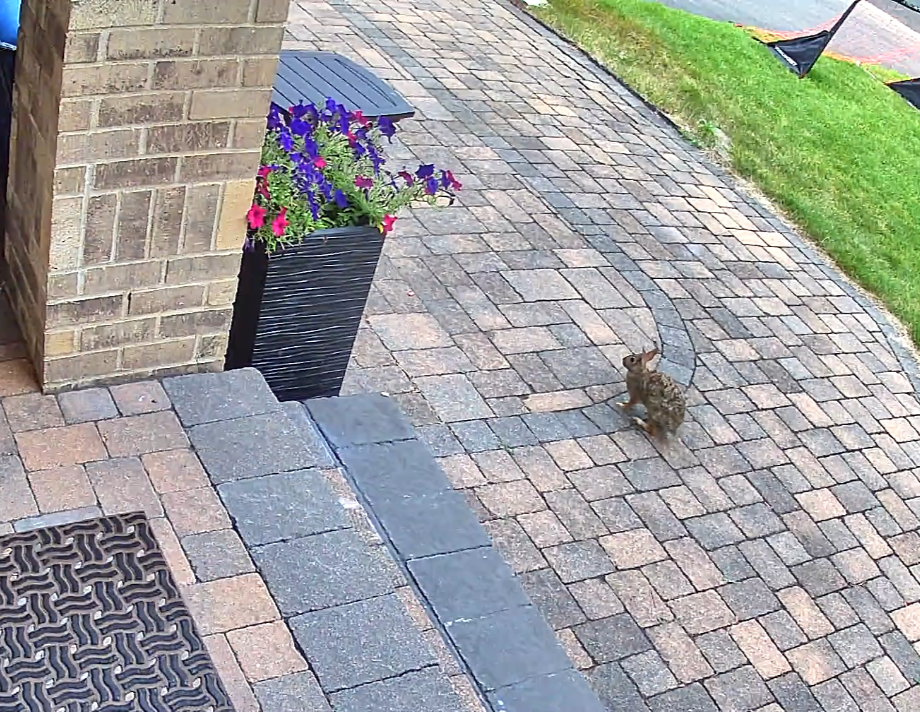
Thanks for sharing, that's rather more intimidating than our rabbits.
-
Hi Steve, Eric has hit the high points. What version of the game are you running? When you run Winharp32.exe (the Game Engine/GE) a build should appear in the title bar and should read as a yyyy.bbb where yyyy is a four-digit year and bbb is the build, 2009.050 is an example. As Eric posted, 2025.025 is the current build. The platform editor (PE) had significant updates since 2015. 2015 was when I updated it to work even with 64-bit versions of MS Office. In order to make the changes work, in 2015 the minimum Microsoft Access (or MS Access runtime) version required was bumped up to Access XP/2002 from Access 97. I suspect you are running an even older version of the game possibly trying to import a database that is not compatible with that version of the PE (likely the DB is too new for the PE in question). Your next steps are up to you, we can help you determine what will and won't work with your installed version of the game or you can update to current, hopefully on a newer computer (Windows 10 or Windows 11 preferably).
-
The code in AreaDefense loops thru the mounts from first to last looking for a valid weapon, not the optimal weapon. AreaDefense also tags the target missiles as crossing targets so that skips at least one range check (which doesn't take courses into account so would not have prevented the SAMs from firing. It is not a small undertaking to replace the AreaDefense logic. The ExportDLL interface allows it to be replaced without modifying the core game (which we can no longer do). In short, don't hold your breath on a fix for this one. The intriguing bit is that NewAreaDefense() which I wrote in the 2013 timeframe. It does check speed and bearings to see if an intercept is kinematically possible. NewAreaDefense was not completed.
-
-
-
The game is implemented in such a way that it will pretty much max out one core of your CPU even when the game clock itself is not ticking. That's just a tight game loop that too my knowledge cannot be relaxed without the developers making a code change. The game also by default maxes out my GPU (where my fan noise originates. The minor difference I was able to achieve was using the Nvidia app (I have an NVidia GPU) to limit the Command.exe FPS to 30 and I turned on Vertical Sync. That brought my game idle GPU usage down from 97%+ to 83-93%. If you find a better solution, please let us know.
-
-
-
No hurry here, it often takes me days to reply here. Stay safe with the cleanup.
-
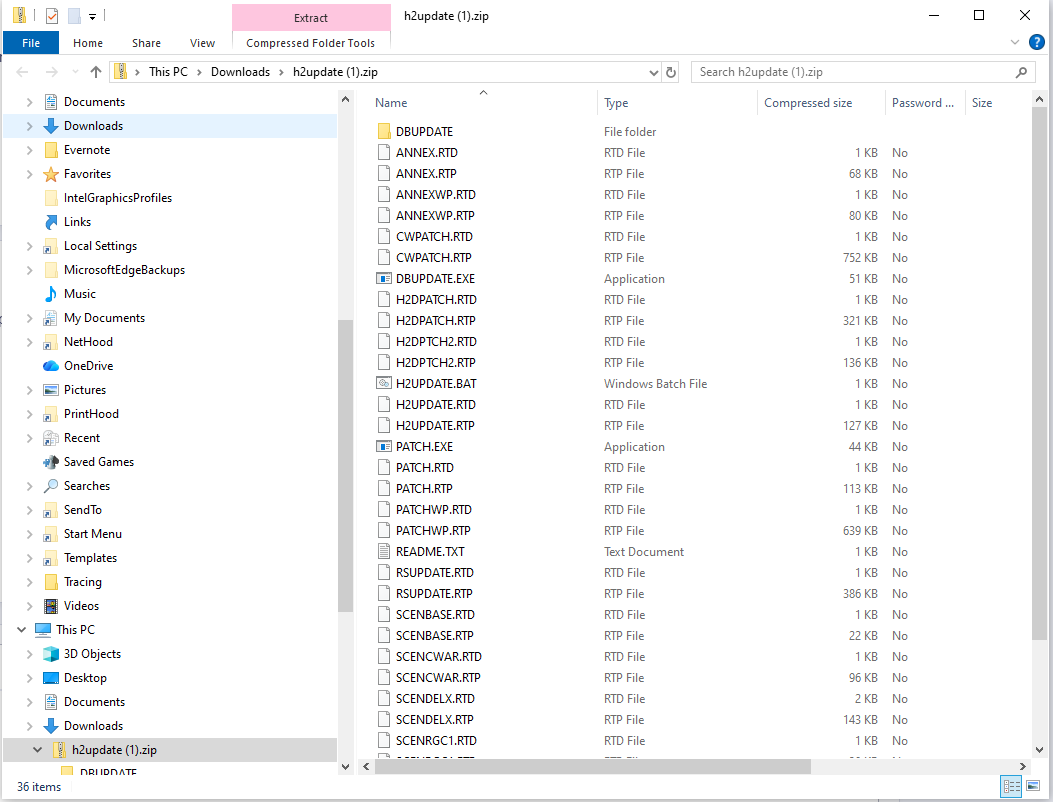
Give https://harpgamer.com/temp/h2update.zip a try, let me know when you have it and I'll remove the download. Did you learn any more from your browser on the harpoonpages https url?
-
hmm, it is not a dead link. using http your browser probably blocks but the https link works fine here in Edge.
-
For the patch, use https://www.harpoonpages.com/ftp/harpoon2/h2update.zip . I inherited the HarpoonPages.com site from Dr. Who and long since lost track of the dreamweaver install that I used to maintain the site. One of these days I'll have an LLM helper re-write the site with me, hopefully without losing the 1990s vibe.
-
There is the Admiral's Edition update at https://harpoonpages.com/harpoon2.htm which iirc is the last patch for H2.
-
-
Note the MapWindow window will not not be embedded within the game window as an MDI document, it is floating outside of the game window. MapWindow 20260403 2025.025+ Incremented DLL Version to 15 Sensor range rings — surface radar (green) and air radar (magenta) range rings now draw on the globe alongside the existing ASuW (orange) and AAW (cyan) weapon range rings. Data comes from BestSensorRange on the group record. Airborne endurance range rings — air range (white) and bingo range (gray) rings now draw for aircraft groups. Data is computed during snapshot capture using the new shared uHCEndurance unit, a Pascal port of the GE's GetAirborneEndurance and FindClosestBase algorithms. Annex B1 speed data and base runway compatibility are used for accurate range and bingo fuel calculations. The DLL now captures annex_id_to_disk_id from funcRefs in DLLInit and creates THCAnnexHelper from AnnexDataIn in ScenLoad. Range ring settings dialog — the per-side checkbox group has been replaced with a "Range Rings..." button that opens a settings dialog. The dialog provides a 6×4 grid of checkboxes (ring type × side), matching HC's RangeCircles[ringType][side] toggle system. Ring types: ASuW Weapon, AAW Weapon, Surf Radar, Air Radar, Air Range, Bingo Range.


