JSF
Members
-
Joined
-
Last visited
Everything posted by JSF
-
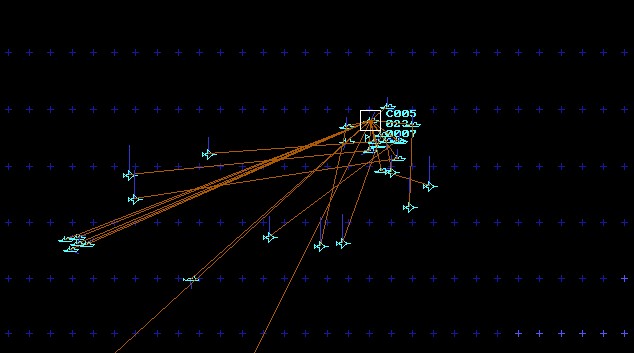
To my surprise, I suddenly...lost! The enemy achieved his Minimum VC, sinking the third and last remaining vessel of my small surface group. I was a little bit surprised because of that since, all in all, things were going well in the meantime and the enemy suffered horrible losses. Anyway - a great and fun scenario, Enrique - thx for sharing it!


-
In the middle of a wild melée - cool, Enrique!

-
Platforms: - Mig-31K - TU-22M3M - SU-34 - SU 57
-
Ok, just registered for the first one. Already in the second one.
-
Facebook Groups? Which groups are there?
-
May, 14th, 2 PM CT, would be great for us in Europe, 9PM Berlin Time.
-
May, 14th, 7 PM CT, this is May, 15th, 2 AM Berlin Time - right?
-
Started playing it. One issue so far: AB Catania-Sigonella seems to be doubled. One has aircraft, the other one none.
-
Do You refer to an aircraft assigned to a mission? Or just an aircraft flying around, but unassigned?
-
For a better understanding: do You try to edit an existing scenario or have You just started a new scenario?
-
-
-
I´ve got a second issue: Trying to install Harpoon Classic UE on my laptop, too, I face the following problem: Standard installation is 2009.50. Then I go to the latest official, 2015.027. Ok so far. Then I install the 2018 beta. After that - not valid license. Installing 2022.005 over this version does not help. What to do? Can I skip this 2018 version?
-
-
Hi all, I´ve been out for a year or so due to additional work packages, some unexpected. Now I´m slowly on my way back and willing to start scenario writing; after a 5 (?) years pause. I just installed the latest GE/Se combination. GE works fine, but I cannot start SE. In the old times I knew those issues and the solutions, but I´m a bit rusty. So - how to get scenario editor working? Thanks in advance!
-
The GE worked, but the SE not. Still cannot start it from the game menu. But in Admin Mode, SE works, too. I have to start it from the Windows start menu or task bar, but now it works. Thanks! Back again. Now for some good fights.
-
Have to correct myself: GE works now, latest beta. But still no SE: License issue 1x740.
-
...and now I really blew it: I installed an older beta over 2015.027. This one was expired. Then I installed the latest betas as of 2018 and 2020. But now I have the license issue in the GE, too: Error Code 1x740. Nothing works.
-
Hi folks, I was out for several years, but now I want do restart some pooning. Re-installed HUE with HCUE and was on 2009.50. Scenario Editor not working, but I remembered: the SE was 16 bit and Window 10 doesn´t like that. Next, I installed the latest official update, 2015.027. GE works, but SE doesn´t start: "Cannot verify license." Here I need help. Thanks ind advance!
-
One and a half year later....Time passes. I think 1.5.0 was the latest one. Darren Buckley passed soon after that IIRC.
-
-
-
-
-