




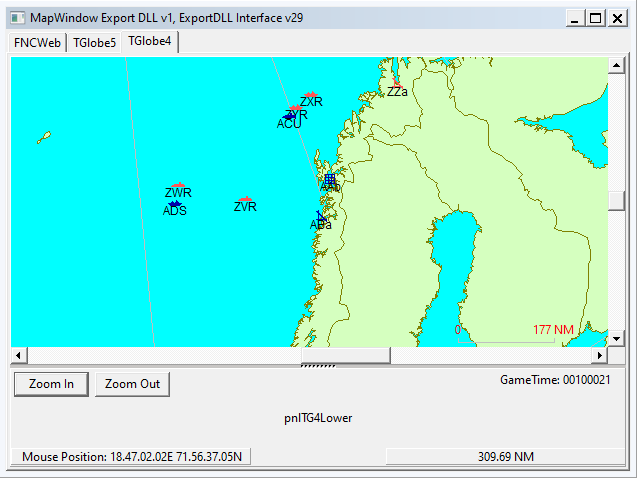
HC ExportDLL to provide a globe map interface
2022-07-07
Purpose:
To provide a globe view of the world to allow global reach during
scenarios and BattleSets.
Original Author:
Anthony Eischens
Contributors:
Compiled with:
Lazarus 4.6
Third party controls:
Stratsims OSS shared pascal code
https://tarzan.tgp.net/svn/StratsimsOSS/HC/shared/pascal/trunk
Stratsims modified TGlobe 4
License:
MIT (see License.txt)
What's New in Version 010
Released
MapWindow 20260319 2025.025+
Incremented DLL Version to 10
Correct group icons will now show for HC 2025.025+. The previous
code assumed there were not satellite icons in GR_ICON.BMP but
satellite was added in 2024.003 - 2024-07-10.
MapWindow 20260316 2025.025+
Insert Course Point — right-click an existing waypoint dot to open a
context menu with "Insert Course Point". Left-click on the map to place
new waypoints before the clicked dot. Stays in placement mode for
multiple insertions; ESC or right-click exits.
-
 1
1