




TonyE
Staff Pukes
-
Joined
-
Last visited
-
We ported the Scenario Editor (SE) from 16 to 32-bit in 2014-2015 so for more than a decade we've been running both GE and SE on current computers (64-bit Windows and Linux [w/WINE] operating systems). The most polished accessory program in development is a replacement for the MS Access-based platform editor to remove the MS Access dependency. It has some nifty additional features as well such as ability to share platform files (remember TPF files from back in the day with Harpoon 2/3?). You can read about it at Stratsims HC Platform Editor and hopefully download it by Christmas.
-
Of course it could, those who hold the rights to develop the game would have to do that. They haven't even released the game we handed them so either they are working on something big or have left it sitting on the shelf rusting. Anyway, to what end 64-bit? 32-bit has not held the game back, when the scenario editor was 16-bit, sure, but we ported that to 32-bits long ago. We can almost infinitely expand the game via ExportDLLs at this point. You should see a couple of accessory programs from us for HC in time for Christmas, one of them is mostly ready, mainly in "one more thing" mode at this point.
-
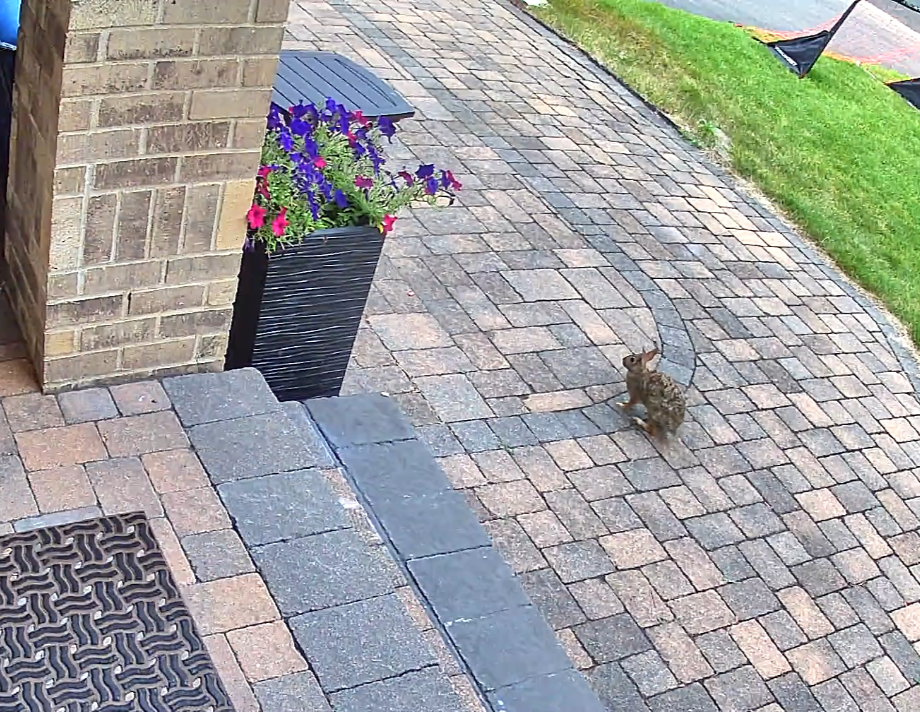
Thanks for sharing, that's rather more intimidating than our rabbits.
-
Hi Steve, Eric has hit the high points. What version of the game are you running? When you run Winharp32.exe (the Game Engine/GE) a build should appear in the title bar and should read as a yyyy.bbb where yyyy is a four-digit year and bbb is the build, 2009.050 is an example. As Eric posted, 2025.025 is the current build. The platform editor (PE) had significant updates since 2015. 2015 was when I updated it to work even with 64-bit versions of MS Office. In order to make the changes work, in 2015 the minimum Microsoft Access (or MS Access runtime) version required was bumped up to Access XP/2002 from Access 97. I suspect you are running an even older version of the game possibly trying to import a database that is not compatible with that version of the PE (likely the DB is too new for the PE in question). Your next steps are up to you, we can help you determine what will and won't work with your installed version of the game or you can update to current, hopefully on a newer computer (Windows 10 or Windows 11 preferably).
-
The code in AreaDefense loops thru the mounts from first to last looking for a valid weapon, not the optimal weapon. AreaDefense also tags the target missiles as crossing targets so that skips at least one range check (which doesn't take courses into account so would not have prevented the SAMs from firing. It is not a small undertaking to replace the AreaDefense logic. The ExportDLL interface allows it to be replaced without modifying the core game (which we can no longer do). In short, don't hold your breath on a fix for this one. The intriguing bit is that NewAreaDefense() which I wrote in the 2013 timeframe. It does check speed and bearings to see if an intercept is kinematically possible. NewAreaDefense was not completed.
-
-
-
The game is implemented in such a way that it will pretty much max out one core of your CPU even when the game clock itself is not ticking. That's just a tight game loop that too my knowledge cannot be relaxed without the developers making a code change. The game also by default maxes out my GPU (where my fan noise originates. The minor difference I was able to achieve was using the Nvidia app (I have an NVidia GPU) to limit the Command.exe FPS to 30 and I turned on Vertical Sync. That brought my game idle GPU usage down from 97%+ to 83-93%. If you find a better solution, please let us know.
-
-
-
No hurry here, it often takes me days to reply here. Stay safe with the cleanup.
-
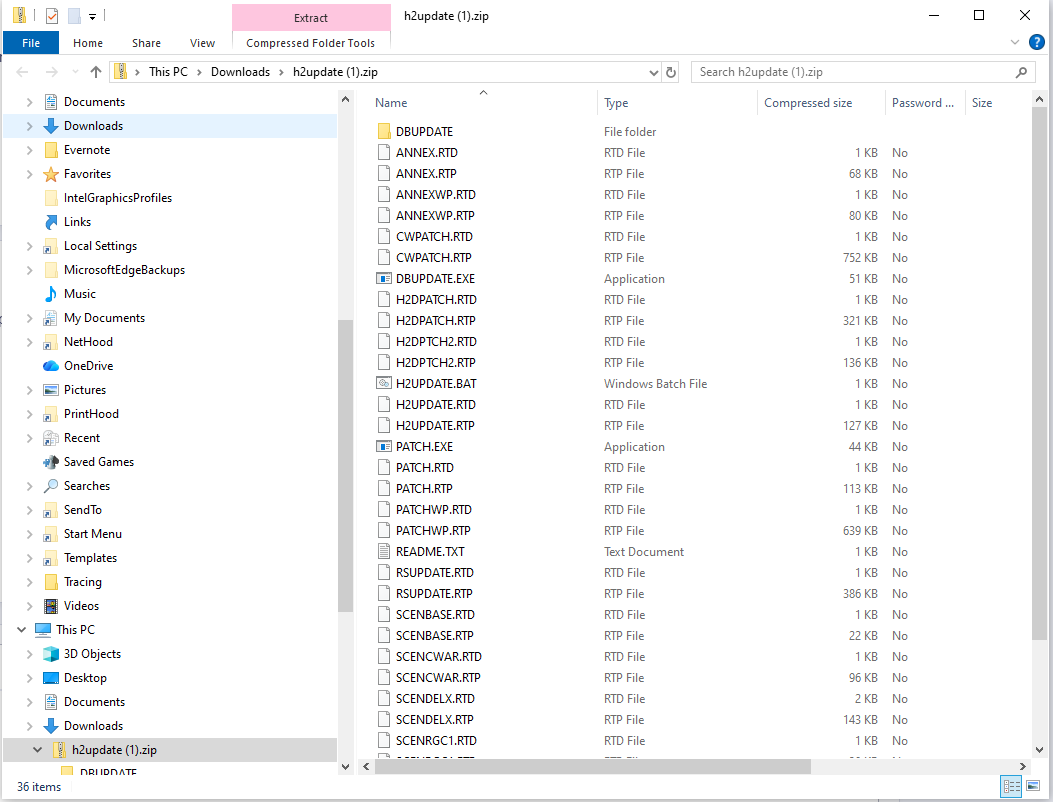
Give https://harpgamer.com/temp/h2update.zip a try, let me know when you have it and I'll remove the download. Did you learn any more from your browser on the harpoonpages https url?
-
hmm, it is not a dead link. using http your browser probably blocks but the https link works fine here in Edge.
-
For the patch, use https://www.harpoonpages.com/ftp/harpoon2/h2update.zip . I inherited the HarpoonPages.com site from Dr. Who and long since lost track of the dreamweaver install that I used to maintain the site. One of these days I'll have an LLM helper re-write the site with me, hopefully without losing the 1990s vibe.
-
There is the Admiral's Edition update at https://harpoonpages.com/harpoon2.htm which iirc is the last patch for H2.


