




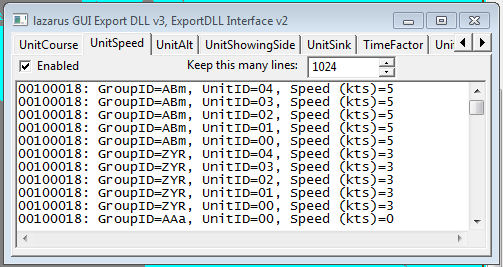
Demonstration DLL and source of the ExportDLL interface. This will be expanded as time permits, both in functionality and documentation.
Installation:
Extract the DLL to the ExportDLLs folder of your HCE game, then restart the game. You can delete License.txt and lazGUI.txt.
Edit the source. Use Lazarus 1.6+ win32.
Source code now available from SVN, see the following with your favorite client:
https://tarzan.tgp.net/svn/StratsimsOSS/HC/ExportDLLs/lazGUI/trunk
What's New in Version 011
Released
- History:
- 011: 2015-08-13 Updated ScenLoad to add the AnnexData field that holds a copy of the vast majority of the database information for the current BattleSet.
- 010: 2015-07-12 Updated ScenLoad and GameTime functions to use new available fields.
- 008: 2013-09-08 Added demonstration of using function pointers sent by the GE and of entering staff messages.
- 007: 2013-08-16 Added other big list pointers, expanded DLLInit
- 004: 2013-02-05 Added StartGroup, expanded DLLInit
- 003: 2012-05-06 Initial Release.
With version 011: