




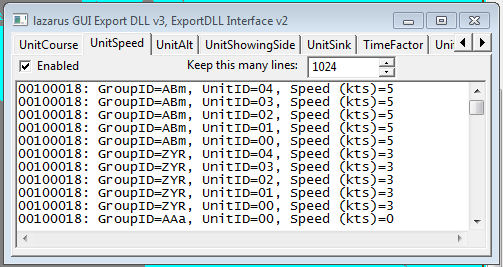
Demonstration DLL and source of the ExportDLL interface. This will be expanded as time permits, both in functionality and documentation.
Installation:
Extract the DLL to the ExportDLLs folder of your HCE game, then restart the game. You can delete License.txt and lazGUI.txt.
Edit the source. Use Lazarus 1.6+ win32.
Source code now available from SVN, see the following with your favorite client:
https://tarzan.tgp.net/svn/StratsimsOSS/HC/ExportDLLs/lazGUI/trunk
What's New in Version 027
Released
lazGUI 20230328 HC 2023.001+
Incremented DLL Version to 27
Added HCEvent structure changes in
ExportDLL interface Version 34.
lazGUI 2023#### HC 2022.006+
Incremented DLL Version to 26
Added GroupAllocated example handling code
from ExportDLL Version 33
Added from AutoSaves Export DLL the following
and how it is wired to the project file and
main form.
// ALE 20221228 to store settings
iniSettings: TIniFile;
procedure RestoreWindowPosition();
procedure SaveWindowPosition();