




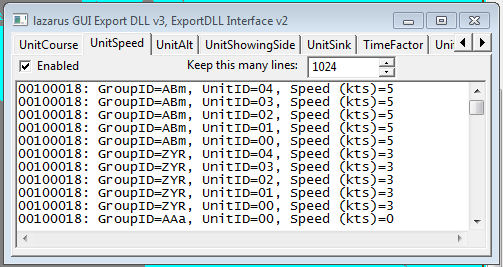
Demonstration DLL and source of the ExportDLL interface. This will be expanded as time permits, both in functionality and documentation.
Installation:
Extract the DLL to the ExportDLLs folder of your HCE game, then restart the game. You can delete License.txt and lazGUI.txt.
Edit the source. Use Lazarus 1.6+ win32.
Source code now available from SVN, see the following with your favorite client:
https://tarzan.tgp.net/svn/StratsimsOSS/HC/ExportDLLs/lazGUI/trunk
What's New in Version 034
Released
lazGUI 20250228 HC 2025.012+
Incremented DLL Version to 34
Incremented DLL Interface version to 42
Added Staff call which lets the ExportDLLs override the Staff Assistant
dialog.
function Staff(side: short; button: short; picnum: short; message: pchar; unit_involved: PHCUNIT; outcome: plong): CBOOL; export; cdecl;
Added ZoomChanged call which informs the ExportDLLs of a Group or Unit window
zoom level change.
procedure ZoomChanged(GroupZoom: short; UnitZoom: short); export; cdecl;