
Leaderboard
-
maunaloa6174
Members2Points6Posts -
CV32
Staff Pukes1Points10,202Posts -
broncepulido
Members1Points3,468Posts -
Uncleharpoon
Members1Points7Posts



Popular Content
Showing content with the highest reputation on 11/16/2021 in all areas
-
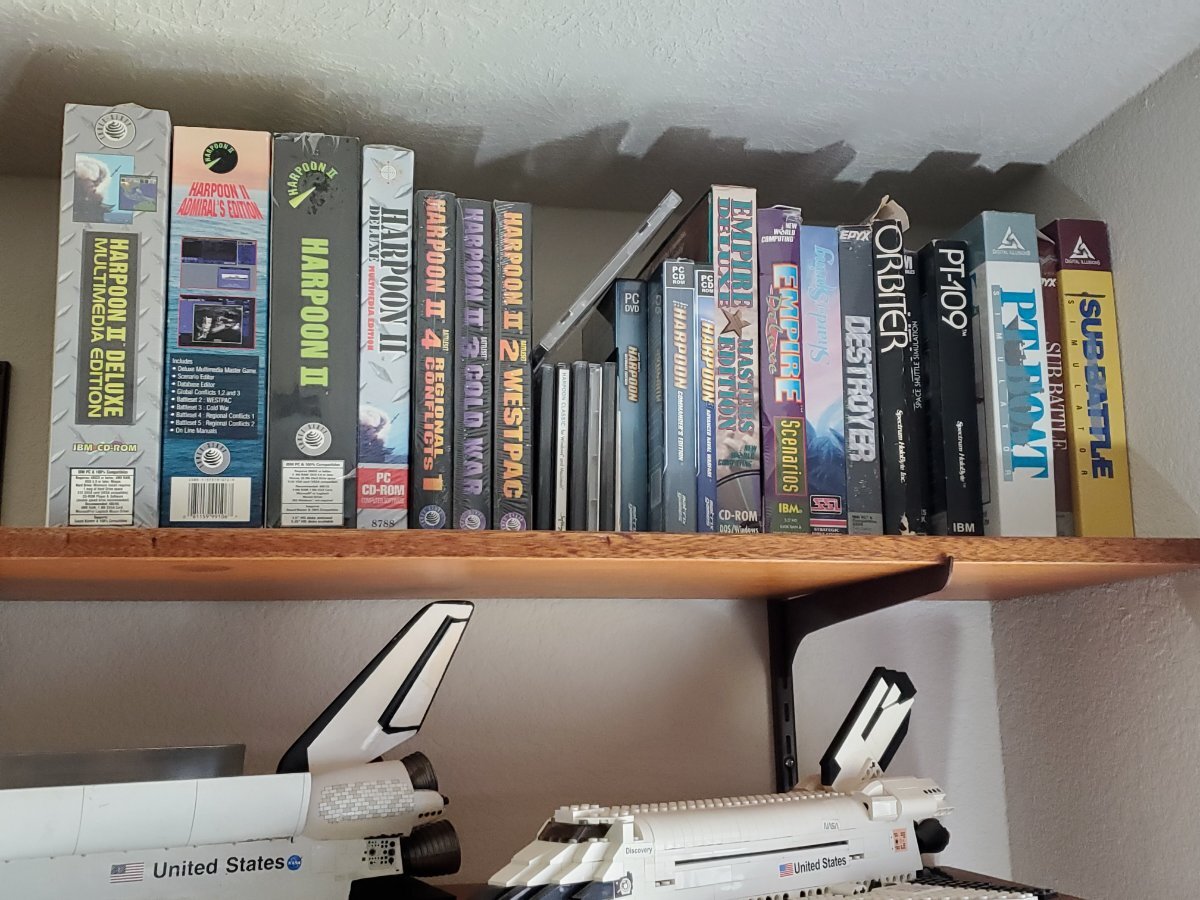
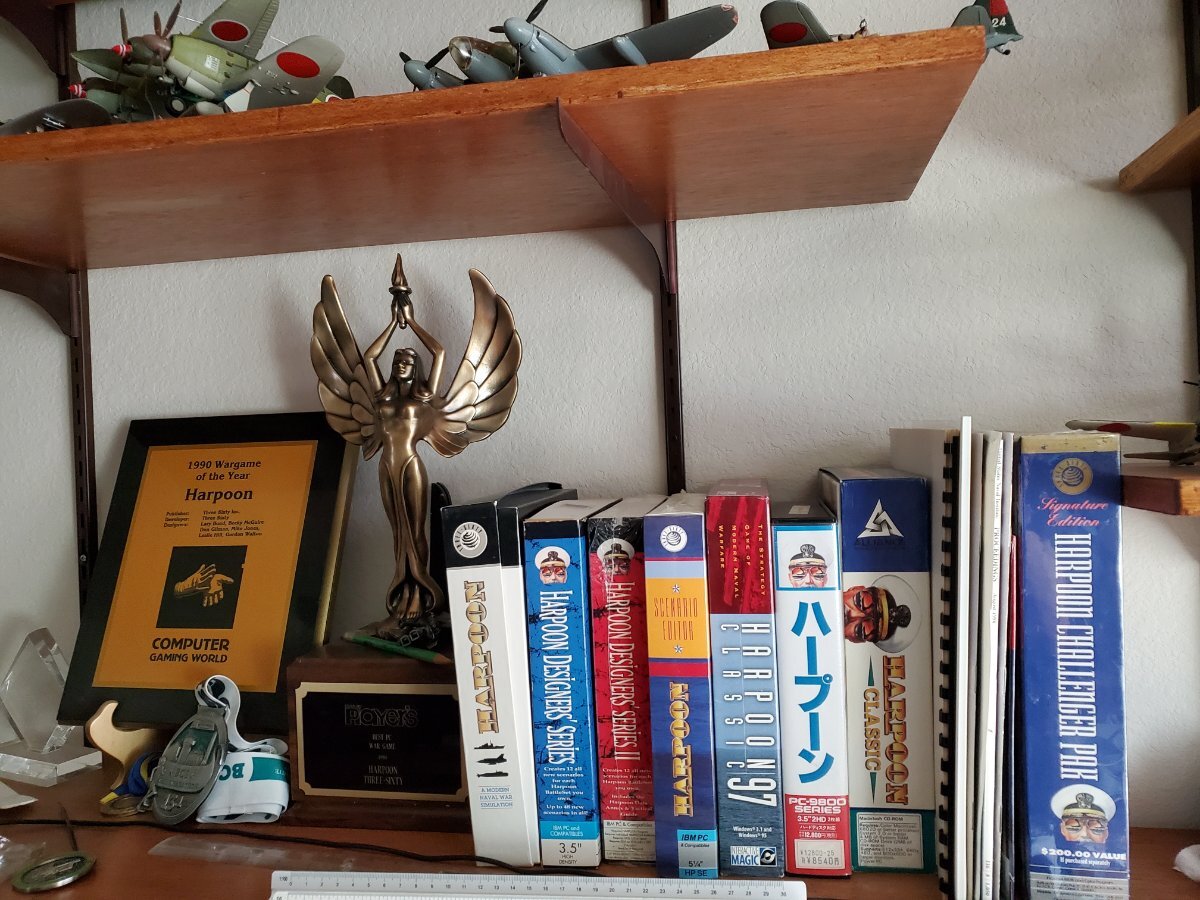
2 pointsI play Harpoon for more than twenty-five years. First I considered it only as a game. Now, when playing harpoon or Command Modern Opearations I feel like using not game but professional program to simulate war conflict (I somewhere have read that professional version of CMO allows/will allow You to play multiplayer - WOW!) . For me, my collection Is a part of strategic wargame history: games with thick manuals with beautiful box pictures... Games that don't need GeForce RTX, but are beautiful. Games that are so complicated (I play it so long, but I'm still learning how to play it well) but can steal Your time for weeks and months. Games that You never get bored with, You come back to them regularly... Look, it has been 32 years since Harpoon was firste released (1989) and today, in 2021, we're running internet forum harpgamer.com, isn't it cool?! We create scenarios, mods, we discuss, chat with each other, no matter whether we are 20 or 50 years old! I'm very interested in games You mentioned, they will complete my collection - searching internet everyday to grab them. Of course You can share the email with Mr Gilman... It's a little bit intimidating for me that, with help of Internet, I can today contact/write to/chat with for example Don Gilman or Larry Bond, creator of such great games, that I played in my youth and I play now!2 points
-
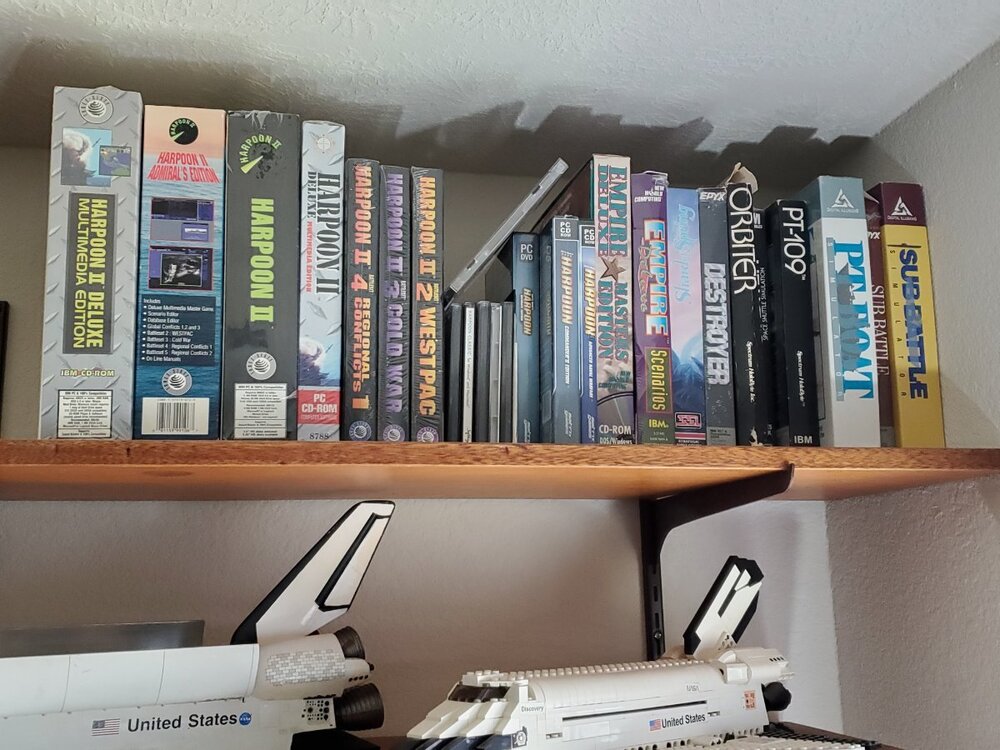
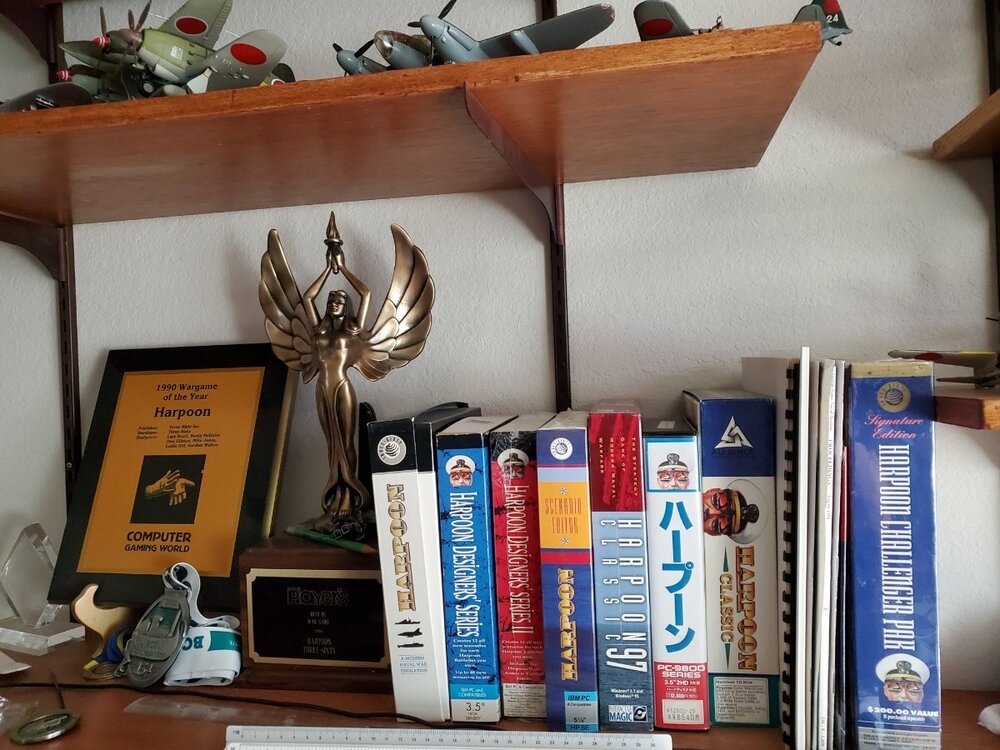
1 pointHowdy! So there was a Harpoon timeline we had posted on the old site but we didn't list every Battle Set or re-packaging. That site is down and it will be a while before I have time to dig though the archives of the website looking for the HTML containing that history. I could use some help bringing the website and wiki back to life (I have hosting). Here is my collection (granted includes some other titles I contributed to over the years). The excess were donated to Stanford and the National Game Museum in Frisco TX. There was also a "Harpoon BattleBook" by James DeGoey and there is a MIT Press book called "Zones of Control" edited by Kirschenbaum and Harrigan that had one entire chapter dedicated to Harpoon. Other chapters were written by like Perla, Dunnigan, Caffrey, Herman, Bond, Tiller, Miller, Prados, Cole, Peck, and some clown named Gilman. In total 59 glorious chapters of wargaming ultra nerdism from paper to computers, from our homes to classrooms, and the Pentagon. Regarding Harpoon 3 Professional aka H3MilSim. Those were never released to the public and never had physical medium. Everything was electronically delivered and the customers printed their own manuals and duplicated their own images, then we would provide DM keys to allow the use of the product. Don "UncleHarpoon" Gilman
 1 point
-
1 pointThe GBU-53 Small Diameter Bomb II (now called StormBreaker) is probably living up to its manufacturer's claims. Tri-mode seeker, long range glide, small signature, etc make it a very versatile weapon. HCDB2 does not (yet) use H5 values, but still employs H4 values where available, giving the range 40 nm and DP 37.1 point
-
1 pointI think the range is fixed (as is built the DB) and independent of the launch height, and no pop-up maneouver at launch. About the warhead, should be 25 or 32 DP as per Harpoon V, respectively GBU-39 and GBU-53.1 point