

Skip to content
View in the app

A better way to browse. Learn more.

HarpGamer

A full-screen app on your home screen with push notifications, badges and more.

To install this app on iOS and iPadOS
  1. Tap the Share icon in Safari
  2. Scroll the menu and tap Add to Home Screen.
  3. Tap Add in the top-right corner.
To install this app on Android
  1. Tap the 3-dot menu (⋮) in the top-right corner of the browser.
  2. Tap Add to Home screen or Install app.
  3. Confirm by tapping Install.

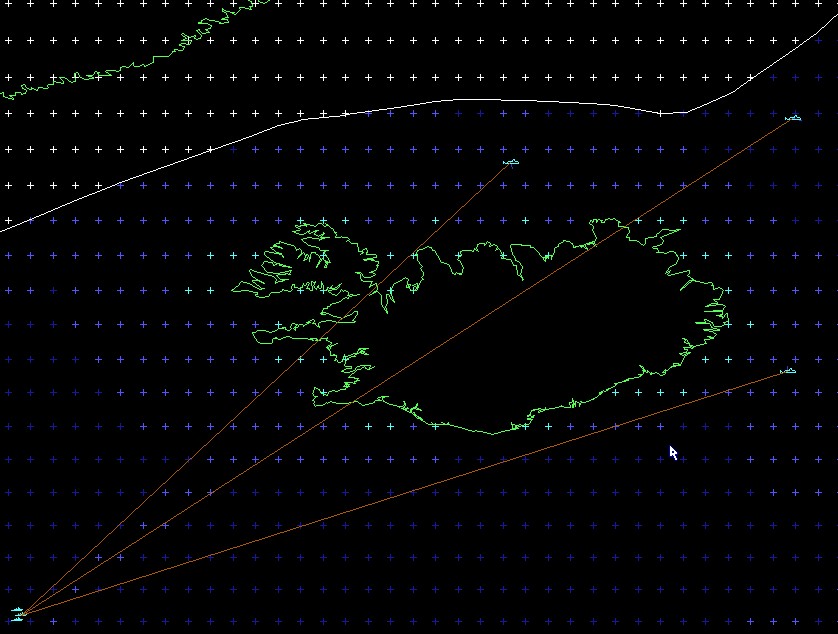
The Duel V 3.0

1 Screenshot

The Duel V 3.0

A scenario for Harpoon 3 ANW and the ANW DB


written by Ralf Koelbach

rkoelbach@yahoo.com


This scenario was, if I remember correctly, my first scen I wrote for and with Harpoon 2, back then in 1994 or so.


It bases on the Duel scen in Harpoon Classic, GIUK Battleset, but incorporates a lot of improvements.


This version 3.0 is Nato side only.


Have fun !


Ralf

What's New in Version 09/13/2009 11:28 AM

Released

No changelog available for this version.

Account

Navigation

Search

Search

Configure browser push notifications

Chrome (Android)
  1. Tap the lock icon next to the address bar.
  2. Tap Permissions → Notifications.
  3. Adjust your preference.
Chrome (Desktop)
  1. Click the padlock icon in the address bar.
  2. Select Site settings.
  3. Find Notifications and adjust your preference.