Meroka45
Members
-
Joined
-
Last visited
Everything posted by Meroka45
-
What is the key control to show Unit/Group Id in the windows for Harpoon 1.2?
-
Ok, sorry I missed that one, I have edited my post.
-
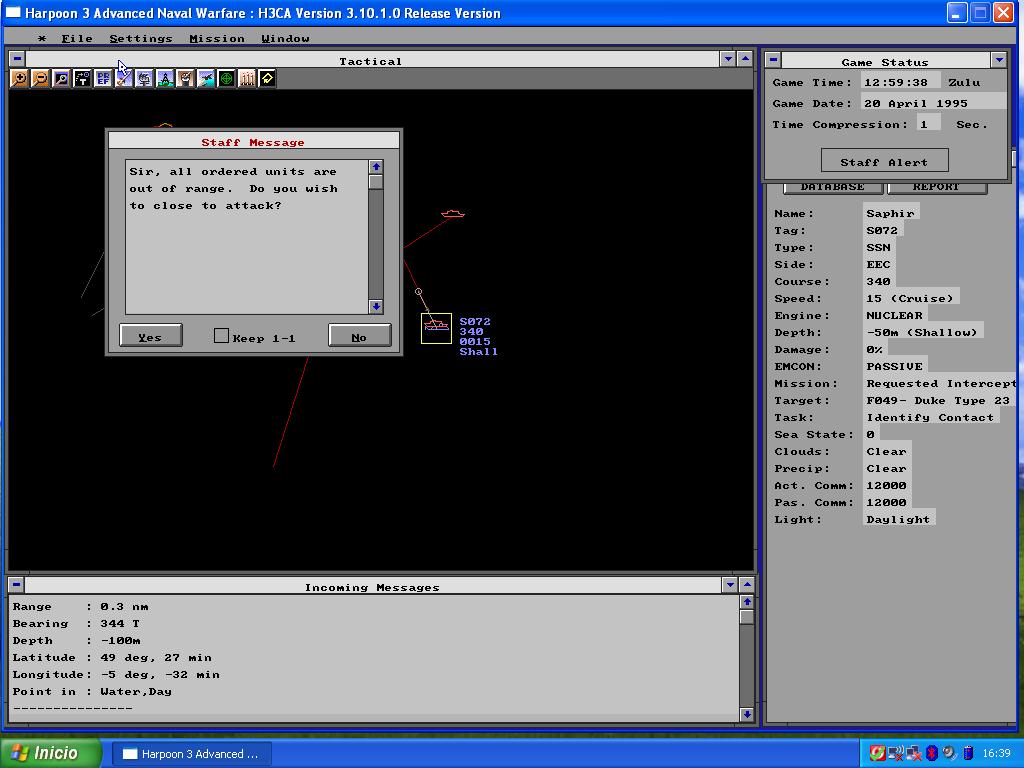
This happened several times with different scenarios, despite being the sub quite inside the range for the torpedoe when trying to launch one, it appears the message telling the target is out of range, I have attached a screenshot of "Break the Blockade" where the SSN Saphir is just 0,3 nm from a British ship, but no way to accomplish the attack It is the last version of H3 ANW Ult. Whe I played a scenario of the Falkland battleset similar situation was seen as a British SSN was less than 2 nm from an Argentinian DD and the same outcome. Any idea?
-
Thanks for the help, I've found one in the UK in Alibris. I own many of original Harpoon/Harpoon2 paper manuals, but this one was missing in my collection.
-
Any idea where to get a copy of it?, is it worth? As far as I know there are only hardcopies.
-
I prefer to shot them down, as I use to play the RED side