

Skip to content
View in the app

A better way to browse. Learn more.

HarpGamer

A full-screen app on your home screen with push notifications, badges and more.

To install this app on iOS and iPadOS
  1. Tap the Share icon in Safari
  2. Scroll the menu and tap Add to Home Screen.
  3. Tap Add in the top-right corner.
To install this app on Android
  1. Tap the 3-dot menu (⋮) in the top-right corner of the browser.
  2. Tap Add to Home screen or Install app.
  3. Confirm by tapping Install.

Attacking the Fortress for Harpoon 3.6 and db2000

1 Screenshot

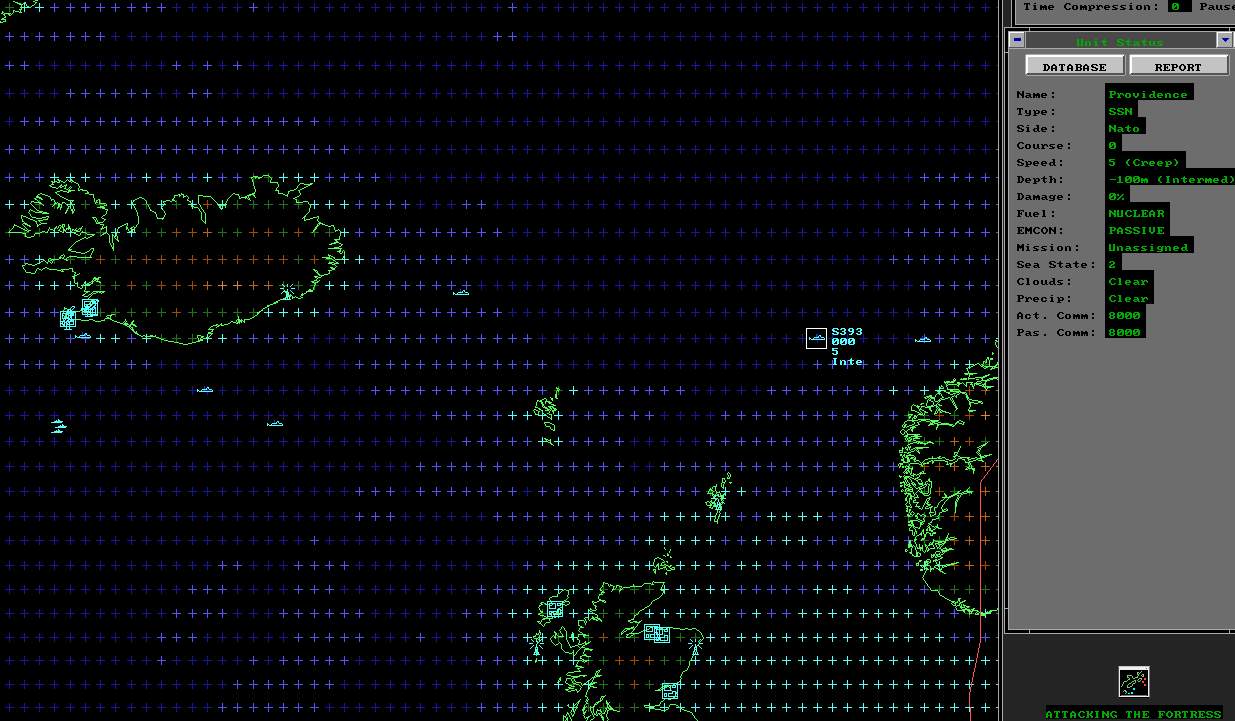
Attacking the Fortress


A scenario for Harpoon 3.6 and db2000 (editor: Ragnar Emsoy)

by

Ralf Koelbach


I wrote "Attacking the Fortress" back in 2004. It was my first built-from-scratch Harpoon 3 scenario. It took me a long time to write it since it should be as realistic as possible. This was only achievable by massive support from Ragnar Emsoy who taught me a lot about Harpoon 3, the db2000 and naval warfare in that time.


Enjoy!

What's New in Version 08/03/2010 05:14 PM

Released

No changelog available for this version.

Account

Navigation

Search

Search

Configure browser push notifications

Chrome (Android)
  1. Tap the lock icon next to the address bar.
  2. Tap Permissions → Notifications.
  3. Adjust your preference.
Chrome (Desktop)
  1. Click the padlock icon in the address bar.
  2. Select Site settings.
  3. Find Notifications and adjust your preference.