Skip to content
View in the app

A better way to browse. Learn more.

HarpGamer

A full-screen app on your home screen with push notifications, badges and more.

To install this app on iOS and iPadOS
  1. Tap the Share icon in Safari
  2. Scroll the menu and tap Add to Home Screen.
  3. Tap Add in the top-right corner.
To install this app on Android
  1. Tap the 3-dot menu (⋮) in the top-right corner of the browser.
  2. Tap Add to Home screen or Install app.
  3. Confirm by tapping Install.

Jean

Members
  • Joined

  • Last visited

Everything posted by Jean

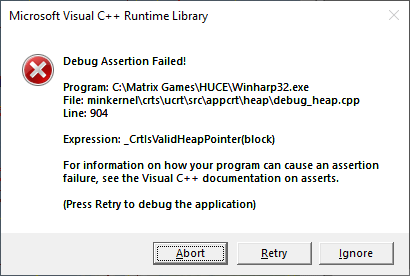
  1. I did play with new beta. It did took longer to crash and the error message were different. autosave.0049.hp0autosave.0047.hp0autosave.0048.hp0
  2. Hi Tony, here is what I did get this morning.
  3. same result with GIUKUSNI9.0. autosave.0110.hp0 autosave.0109.hp0 autosave.0108.hp0 autosave.0107.hp0 autosave.0106.hp0
  4. The problem is not limited to USNI battleset. I had the same crash twice on the "bee hive" scenario of the battleset HDSA. Reloaded using autosave.0050.hp2 then Crash landing a plane on a carrier both time. I will happy to test.
  5. Hi Tony, the Friday's Zoom session was interesting. Thanks. As you already know I had a similar crash playing the Red side on different Battelset. I did the test again on a different computer with a different security software. This time the security software was ESET Antivirus. same result. JEAN.0059.hp1 JEAN.0060.hp1 JEAN.0057.hp1 JEAN.0058.hp1
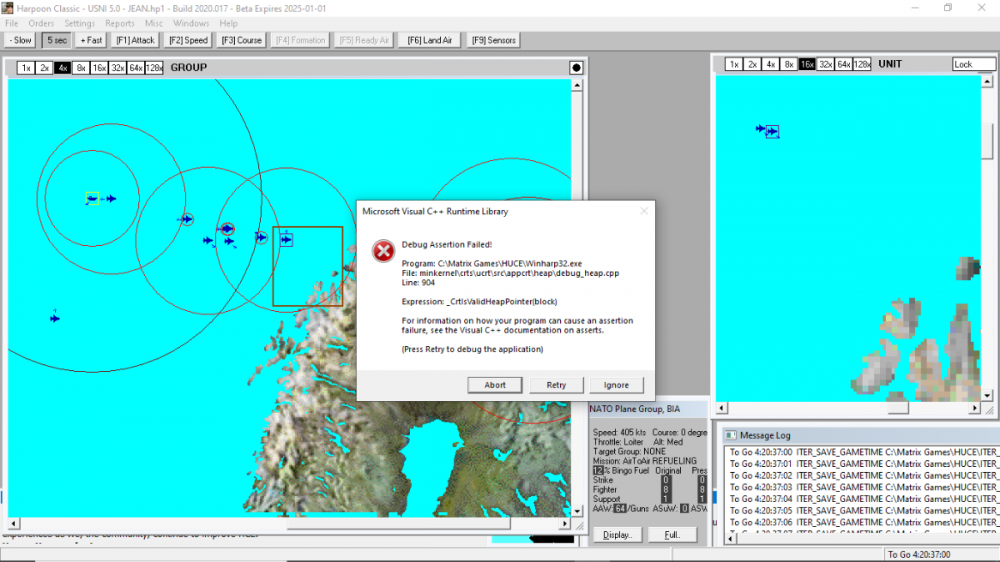
  6. I did more tests. You will find more information in the attach files. The detail information of my third try is within the document. HUCE crash with USNI 5.0 build 2020.017.docx

Account

Navigation

Search

Search

Configure browser push notifications

Chrome (Android)
  1. Tap the lock icon next to the address bar.
  2. Tap Permissions → Notifications.
  3. Adjust your preference.
Chrome (Desktop)
  1. Click the padlock icon in the address bar.
  2. Select Site settings.
  3. Find Notifications and adjust your preference.