



Leaderboard
-
TonyE
Staff Pukes2Points5,091Posts
Popular Content
Showing content with the highest reputation on 02/09/2021 in Posts
-
Thank you all for the thoughtful responses. I firmly believe the right route is to deny Rene's request for more runway sizes and apply the time and effort elsewhere. Naturally I'm implementing his request anyway. My ability to prioritize for the greater good still needs work! I'm crossing my fingers that more runways will lead to Rene's DB re-emerging sooner leading to the new BattleSet getting ready sooner, leading to more interested players that will need a launcher. From there it is only a few rainbows and unicorns to greatly increasing the database limits so Brad can run free with HCDBn. Can I say how great it is to get this much feedback!1 point
-
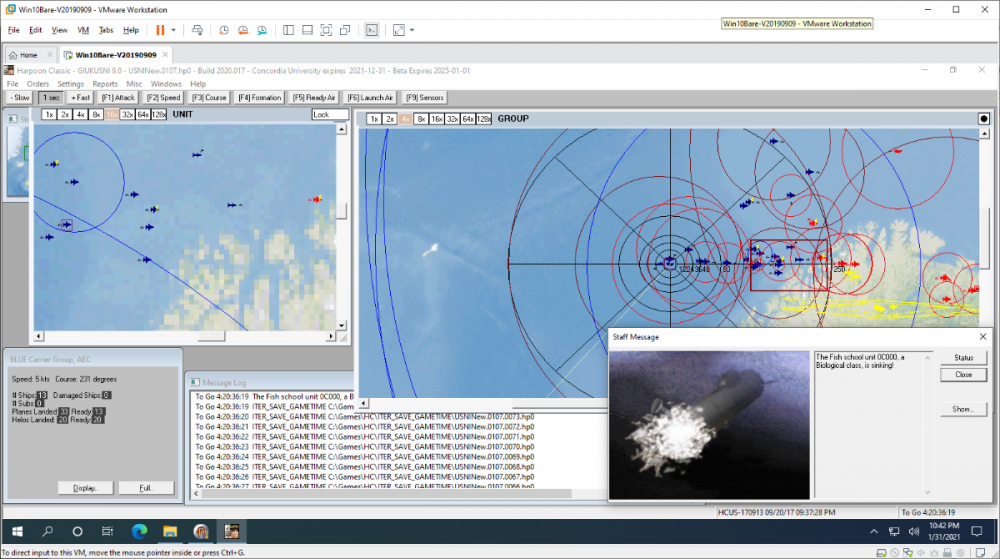
1 pointNo crash after more than an hour of play from autosave.0107.hp0 but I did just use a Nimrod one-shot-one-kill to take out some fish. Great fun to play though! Time to call it a night <g>.
 1 point
