
Skip to content
View in the app

A better way to browse. Learn more.

HarpGamer

A full-screen app on your home screen with push notifications, badges and more.

To install this app on iOS and iPadOS
  1. Tap the Share icon in Safari
  2. Scroll the menu and tap Add to Home Screen.
  3. Tap Add in the top-right corner.
To install this app on Android
  1. Tap the 3-dot menu (⋮) in the top-right corner of the browser.
  2. Tap Add to Home screen or Install app.
  3. Confirm by tapping Install.

Celebes Sea Slam 2016

1 Screenshot

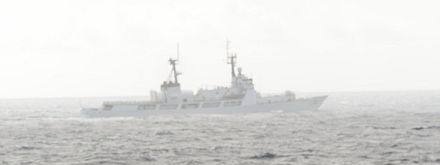
Part of the Philippines has broken away from the mother country and declared independence. Indonesia is supporting them. The Philippines need to stop an Indonesian convoy carrying supplies. (Image of Philippine vessel del Pilar was cropped from U.S. Navy photo 110730-N-WX059-162 by Mass Communication Specialist Seaman Sean Furey/Released)

What's New in Version 07/25/2012 02:08 AM

Released

No changelog available for this version.

With version 07/25/2012 02:08 AM:

Account

Navigation

Search

Search

Configure browser push notifications

Chrome (Android)
  1. Tap the lock icon next to the address bar.
  2. Tap Permissions → Notifications.
  3. Adjust your preference.
Chrome (Desktop)
  1. Click the padlock icon in the address bar.
  2. Select Site settings.
  3. Find Notifications and adjust your preference.