Matt91
Members
-
Joined
-
Last visited
Everything posted by Matt91
-
Tony. My dad says thank you ever so much for sorting out this problem, I would like to thank you and your team for keeping this game alive. Not only that you have learned me something, due to studying IT at college and i might be coming across problems like these. My dad has loved harpoon since he had the Amiga, My dad said also keep the gaming going he loves the updates. Many regards Matt.
-
Hi Tony Regards of running the game we opened it up in the launcher. so we opened up up all older version of the game and they run ok, but when it came to Harpoon CE it wouldnt open up as normal, so my dad clicked on winHarp32 and it started to run, but from the previous post i have given you the images that came up once we ran it in WinHarp32 Many regards Matt
-
Sorry again Tony. There is a pop up when my dad clicks on WinHarp32 There are two pop ups. I was wondering if you could help us with these problems also since the patch update. Many Regards Matt.


-
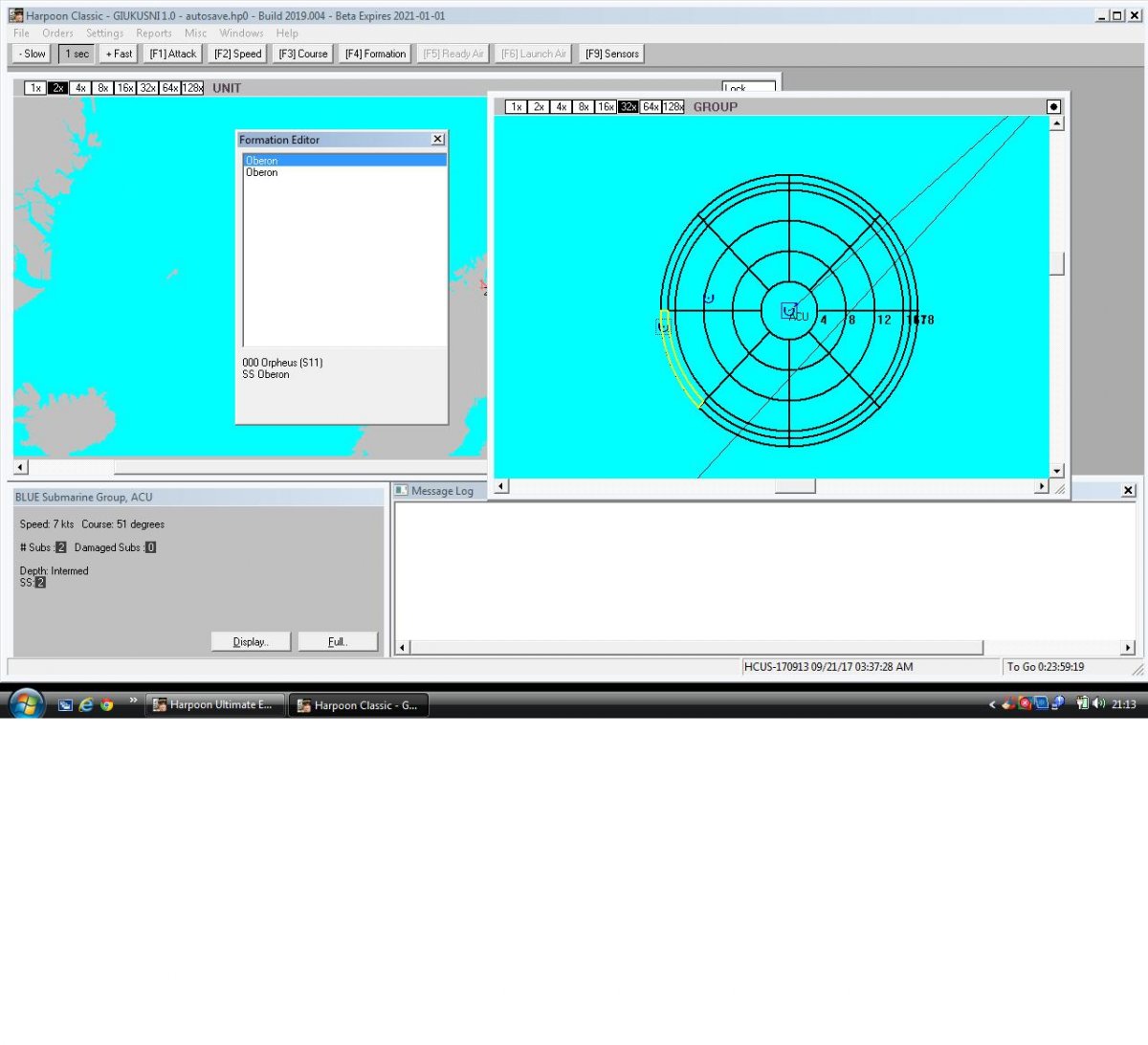
Hi Tony Thank you very much for helping us with this problem, we have another problem...... Since we opened up the file and started to use the program without opening Harpoon. Once the file was installed we decided to open up HCE but it wouldn't open, but all the other games opened. Have we got to reload the game or open another HCE to get it to run? Also we came across this image, sorry for the quality i took it on my phone. Many Regards Matt

-
Harpoon Classic Since Update. My dad has been playing harpoon and noticed there was a problem in the beta update when he was playing, but bare in mind he is running this game in vista. In this picture there are some icons missing for the range and aircraft patrols for the formation editor. will there be a patch that can fix this problem? or would he have to go back to the earlier version before the patch? Many regards Matt
-
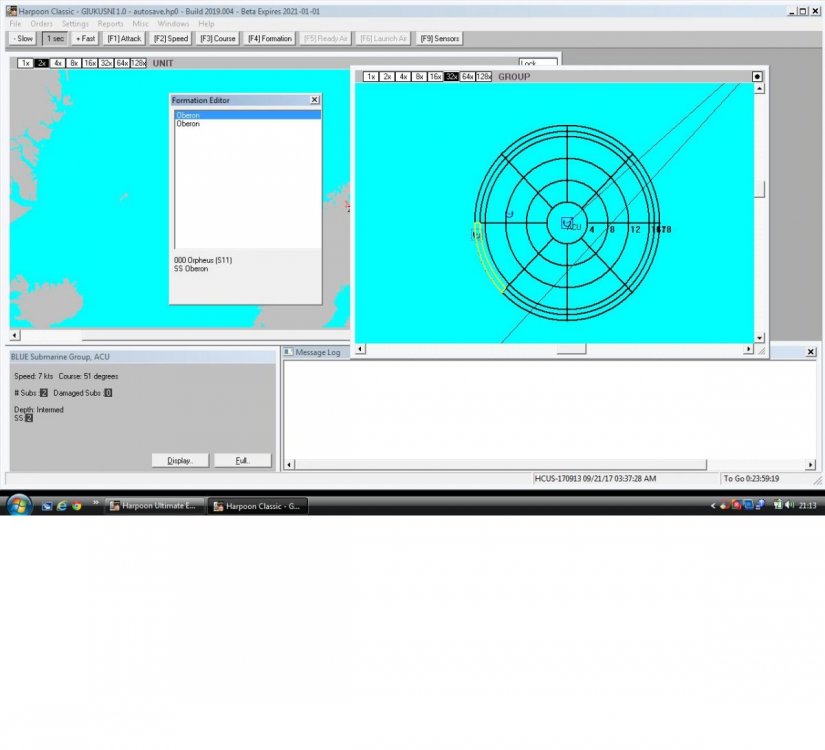
Harpoon Classic on BETA update View File My dad has been playing harpoon and noticed there was a problem in the beta update when he was playing, but bare in mind he is running this game in vista. In this picture there are some icons missing for the range and aircraft patrols for the formation editor. will there be a patch that can fix this problem? or would he have to go back to the earlier version before the patch? Many regards Matt Submitter Matt91 Submitted 02/07/2020 Category Harpoon Classic/HC/HCE/HUCE