Skip to content
View in the app

A better way to browse. Learn more.

HarpGamer

A full-screen app on your home screen with push notifications, badges and more.

To install this app on iOS and iPadOS
  1. Tap the Share icon in Safari
  2. Scroll the menu and tap Add to Home Screen.
  3. Tap Add in the top-right corner.
To install this app on Android
  1. Tap the 3-dot menu (⋮) in the top-right corner of the browser.
  2. Tap Add to Home screen or Install app.
  3. Confirm by tapping Install.

Uncleharpoon

Members
  • Joined

  • Last visited

About Me

Lawful Good when I try.  Not defined by today's binary political left or right, I'm off the line.  Retired from gaming (at least until 2030).  Enjoying scale modeling these days. Still working bringing internet from the sky even if you are moving on an airplane or a land vehicle.  

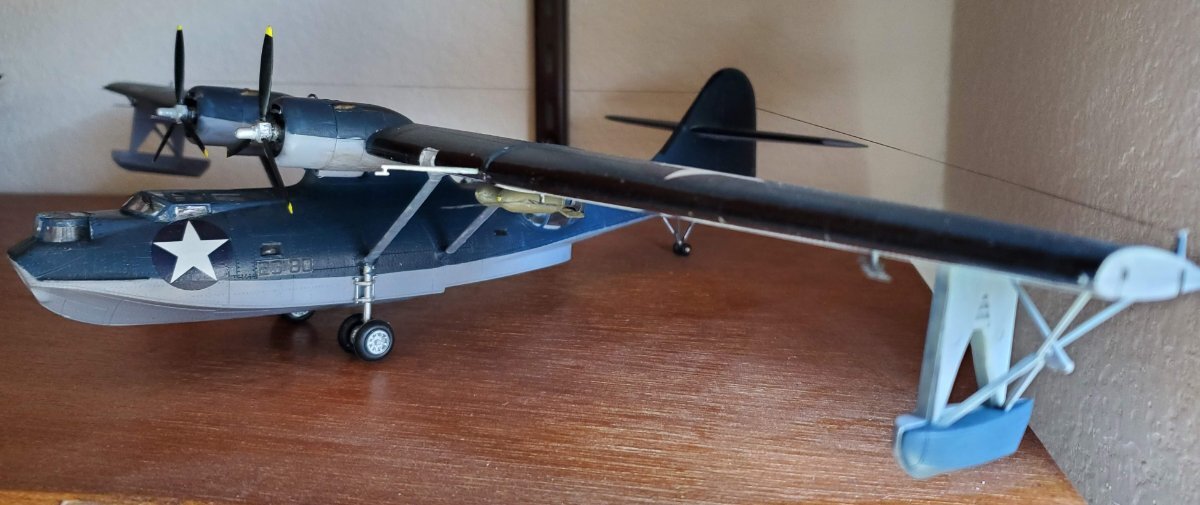
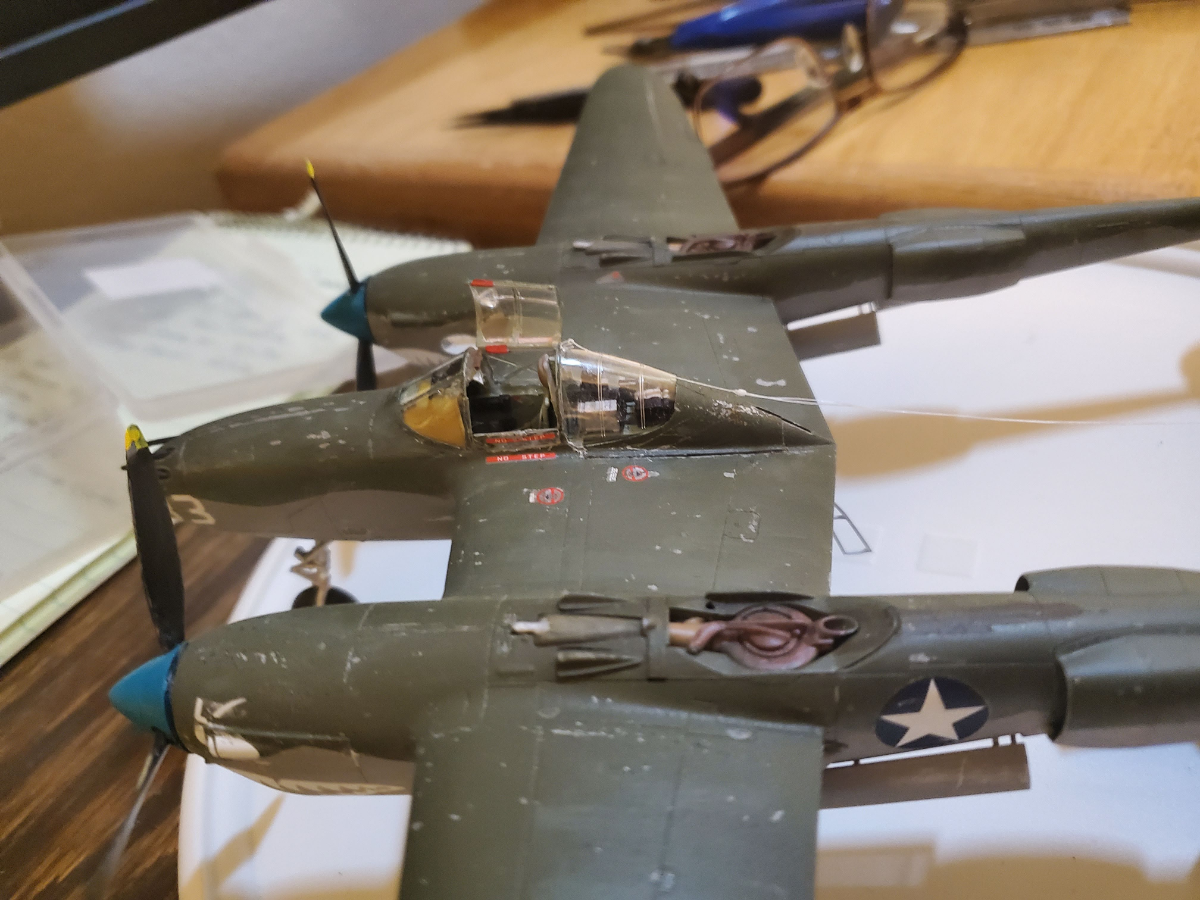
Some of my creations post COVID.

DRG HomeOffice w Mascot.png

PBY.jpg

Armor.png

FW  and 72nd.png

P38.png

Account

Navigation

Search

Search

Configure browser push notifications

Chrome (Android)
  1. Tap the lock icon next to the address bar.
  2. Tap Permissions → Notifications.
  3. Adjust your preference.
Chrome (Desktop)
  1. Click the padlock icon in the address bar.
  2. Select Site settings.
  3. Find Notifications and adjust your preference.