
Skip to content
View in the app

A better way to browse. Learn more.

HarpGamer

A full-screen app on your home screen with push notifications, badges and more.

To install this app on iOS and iPadOS
  1. Tap the Share icon in Safari
  2. Scroll the menu and tap Add to Home Screen.
  3. Tap Add in the top-right corner.
To install this app on Android
  1. Tap the 3-dot menu (⋮) in the top-right corner of the browser.
  2. Tap Add to Home screen or Install app.
  3. Confirm by tapping Install.

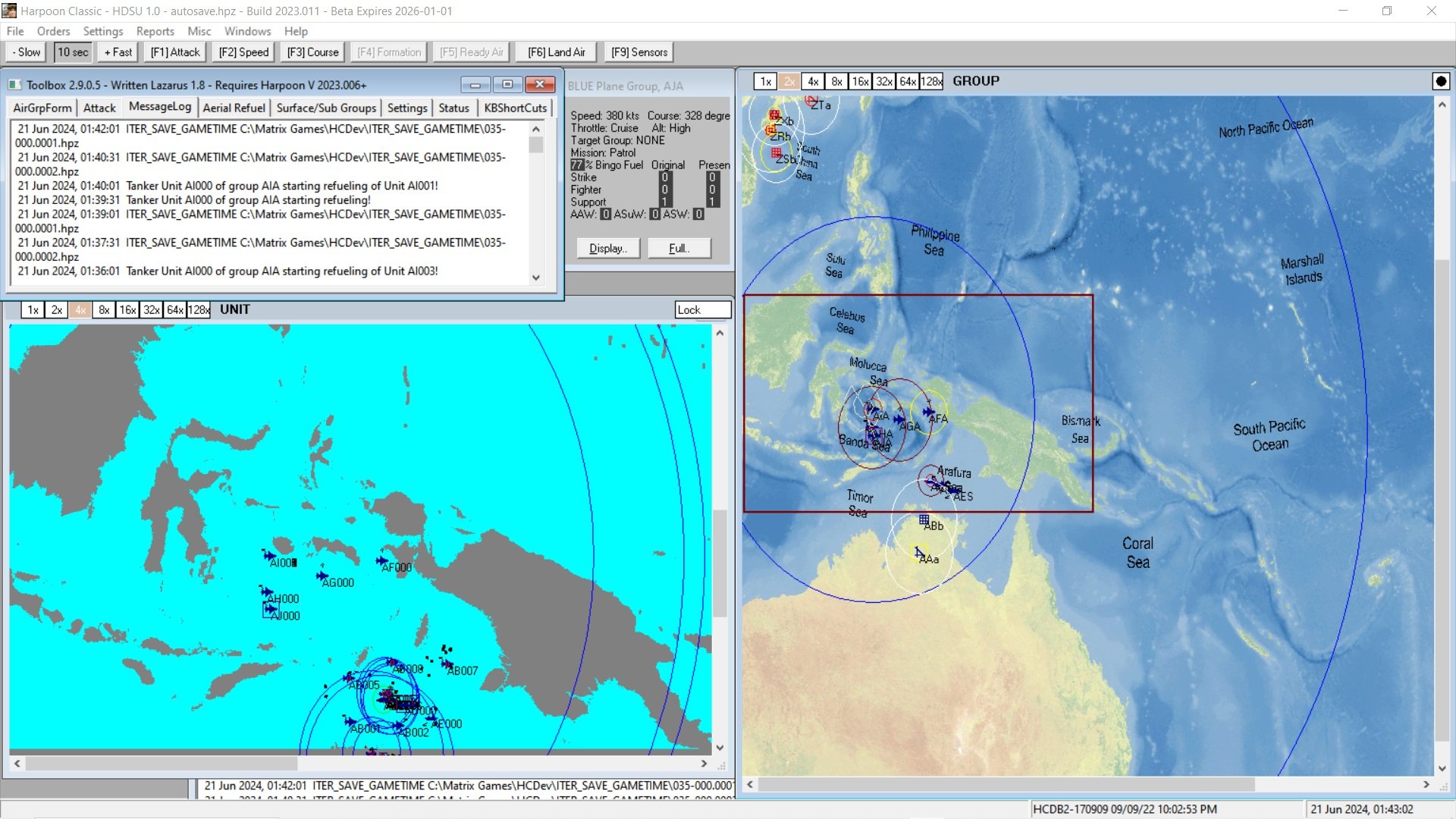
SouthPacIslands-NamedSeaTest 1.0.0

1 Screenshot

This Battleset is to test the idea of text in the texture file naming geographical features, in this case some of the seas and oceans.

The text is rather grainy and is not well aligned but is something that perhaps can be improved and show an idea for future more sophisticated work.

The included scenarios are to be played using Database HCDB2-170909 and toy with an upgraded australian defense capability in line with various announcements of the early 2020s.

Note for scenario 3, in order to obtain maximum surprises ensure you you have not disabled nuclear weapons.

Account

Navigation

Search

Search

Configure browser push notifications

Chrome (Android)
  1. Tap the lock icon next to the address bar.
  2. Tap Permissions → Notifications.
  3. Adjust your preference.
Chrome (Desktop)
  1. Click the padlock icon in the address bar.
  2. Select Site settings.
  3. Find Notifications and adjust your preference.