
Skip to content
View in the app

A better way to browse. Learn more.

HarpGamer

A full-screen app on your home screen with push notifications, badges and more.

To install this app on iOS and iPadOS
  1. Tap the Share icon in Safari
  2. Scroll the menu and tap Add to Home Screen.
  3. Tap Add in the top-right corner.
To install this app on Android
  1. Tap the 3-dot menu (⋮) in the top-right corner of the browser.
  2. Tap Add to Home screen or Install app.
  3. Confirm by tapping Install.

ASROC Action 1.0.0

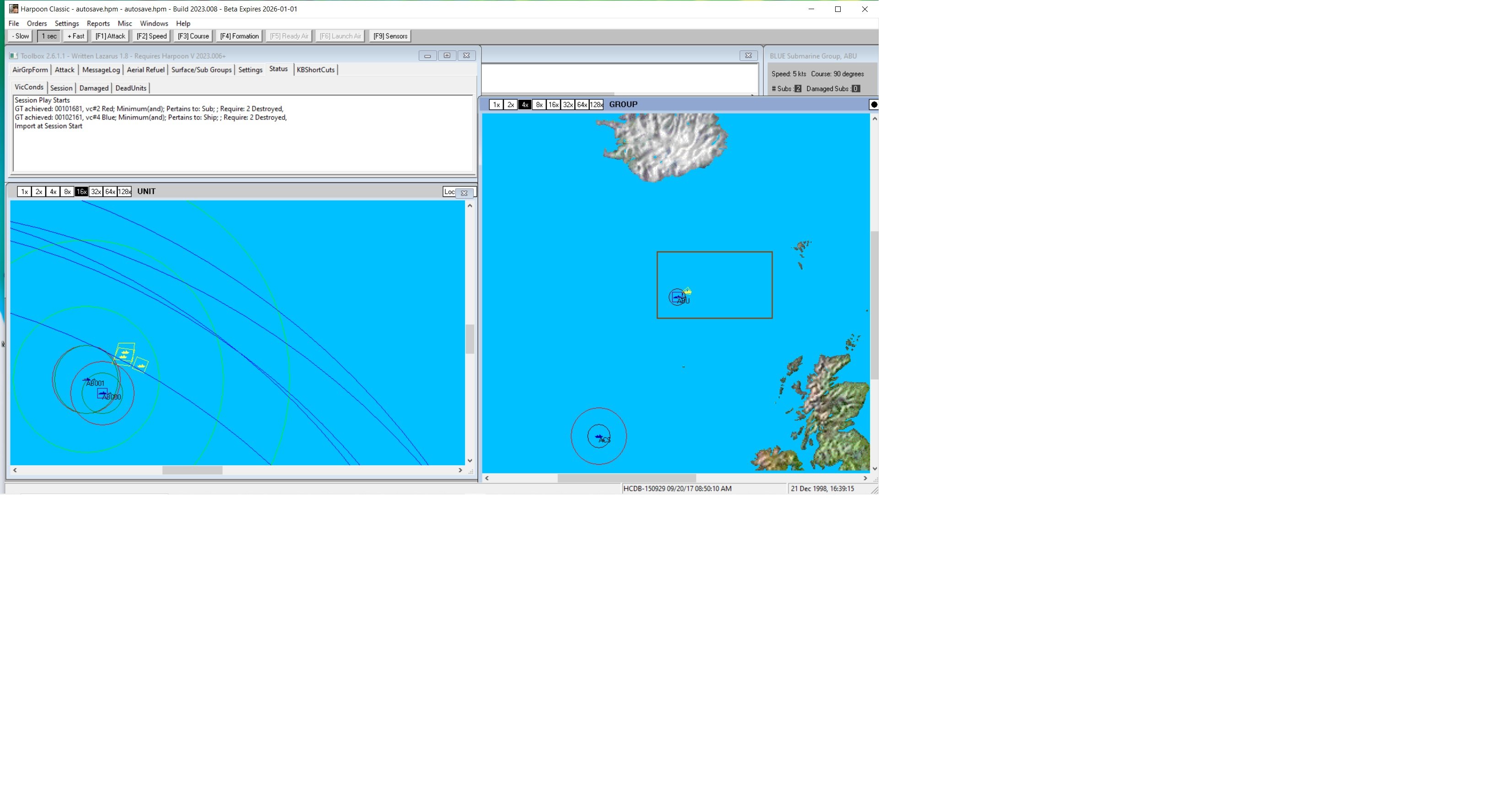
1 Screenshot

A scenario to be played by either red or blue. There are two conflict areas, one is red surface groups hunting blue sub groups, the other is red sub hunting blue surface convoy.
The scenario has no deep design but is an extension from a simple scenario written to test ASROC style ASW weapons.
Played in the GIUK 2003 battleset using the default game HCDB database. (HCDB 150929)
The game is best played with a new beta version of HarpoonClassic vers. 2023.007 or better but should also play with the latest official patch 2022.027 from Matrix.

Account

Navigation

Search

Search

Configure browser push notifications

Chrome (Android)
  1. Tap the lock icon next to the address bar.
  2. Tap Permissions → Notifications.
  3. Adjust your preference.
Chrome (Desktop)
  1. Click the padlock icon in the address bar.
  2. Select Site settings.
  3. Find Notifications and adjust your preference.