Skip to content
View in the app

A better way to browse. Learn more.

HarpGamer

A full-screen app on your home screen with push notifications, badges and more.

To install this app on iOS and iPadOS
  1. Tap the Share icon in Safari
  2. Scroll the menu and tap Add to Home Screen.
  3. Tap Add in the top-right corner.
To install this app on Android
  1. Tap the 3-dot menu (⋮) in the top-right corner of the browser.
  2. Tap Add to Home screen or Install app.
  3. Confirm by tapping Install.

Dan101

Members
  • Joined

  • Last visited

  1. Dan101 replied to Dan101's topic in General
    I thought the file size on the installer was a bit fishy, fixed now, thanks Tony :thumbs:
  2. Dan101 posted a topic in General
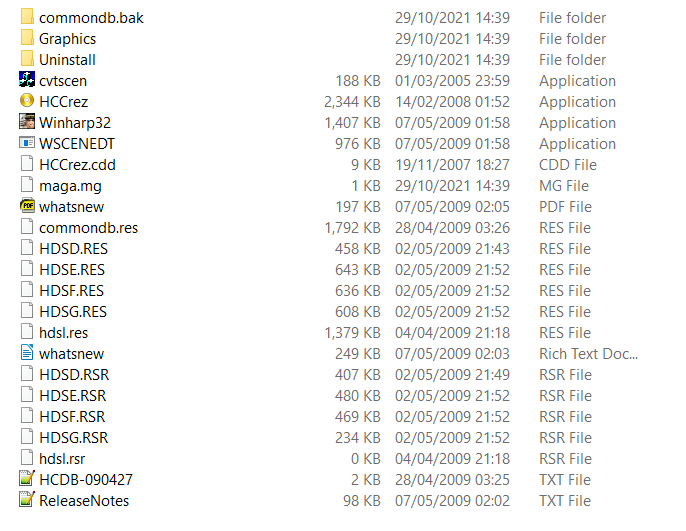
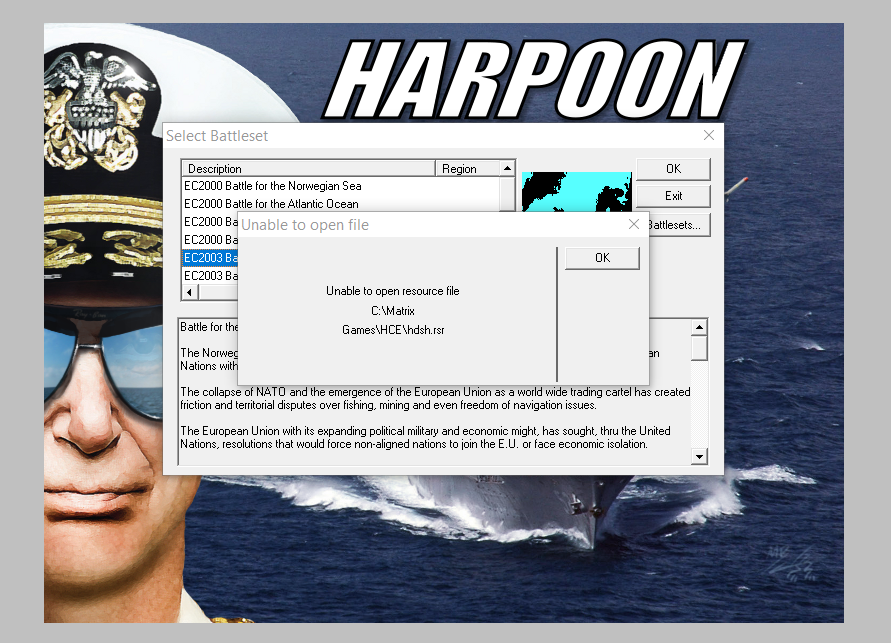
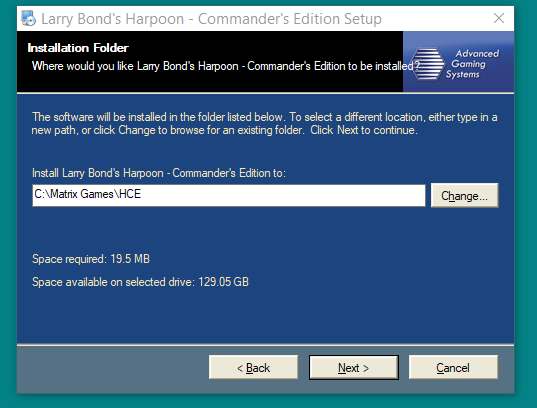
    Hi first post. I had the urge to try HCE again after a long hiatus so logged into my Matrix account and download the two files (install & patch) but there seems to be a file size error in the downloaded files. I have the orginal HCE cd but I dont have a cdrom drive in a pc near me. Have I done something wrong?

Account

Navigation

Search

Search

Configure browser push notifications

Chrome (Android)
  1. Tap the lock icon next to the address bar.
  2. Tap Permissions → Notifications.
  3. Adjust your preference.
Chrome (Desktop)
  1. Click the padlock icon in the address bar.
  2. Select Site settings.
  3. Find Notifications and adjust your preference.