




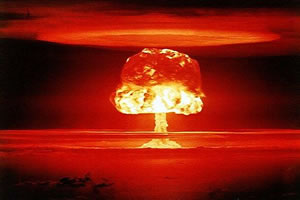
From 1953, British citizens were told that they could expect four minutes of warning before an impending Soviet nuclear attack. Once the alert was given, television and radio networks all over the country would be interrupted by a broadcast warning, as well as activation of the national air raid siren system. In practise, the warning would have likely been much less than four minutes. The RAF Bomber Command Main Force, and its V class bombers - the Valiant, Vulcan, and Victor - was intended to guard against this threat and to prevent the neutralization of British nuclear retaliation capability. The V bomber force, and especially the Avro Vulcan, were intended to be kept at high readiness and also to be capable of flushing to their dispersal airfields within the four minute warning.
The Cuban Missile Crisis of October 1962 saw Vulcans lined up on their runways, bombs loaded and engines running, ready to take off at two minutes notice. The Ballistic Missile Early Warning System (BMEWS) station at Fylingdales in North Yorkshire would not be operational until September 1963. The period between late 1962 and late 1963 could therefore arguably be measured as the most dangerous test of the four minute warning.