




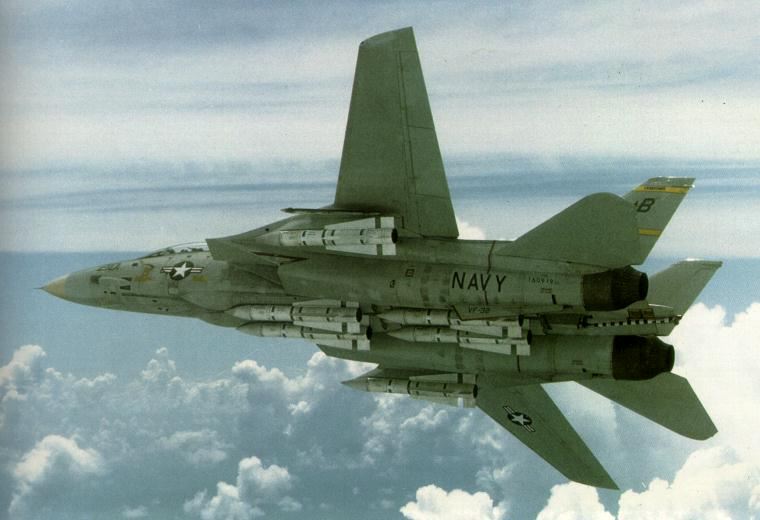
Task Force 77
A Harpoon Commanders Edition (HCE) scenario for the Westpac Battleset and the HCE Cold War Database (HCCW-110222 or later).
This scenario is intended for play by the BLUE side only.
In April 1975, with the North Vietnamese tightening their stranglehold on South Vietnam and their army closing on Saigon, the Americans assembled a large naval force to assist in the evacuation of American civilians and Vietnamese refugees deemed to be at risk when the entire country eventually fell to the NVA. In this scenario, the Soviets launch a much more overt effort to support the North in the closing days of their campaign, seeking to ensure their own grip on Cam Ranh Bay and the vital sea lanes of the Western Pacific. The administration in Washington, red faced from the Watergate scandal and looking for diversions, turns to face the Communist threat once more.
This scenario is dedicated to Anthony Eischens, an F-14 fan and a champion of the game we love.