




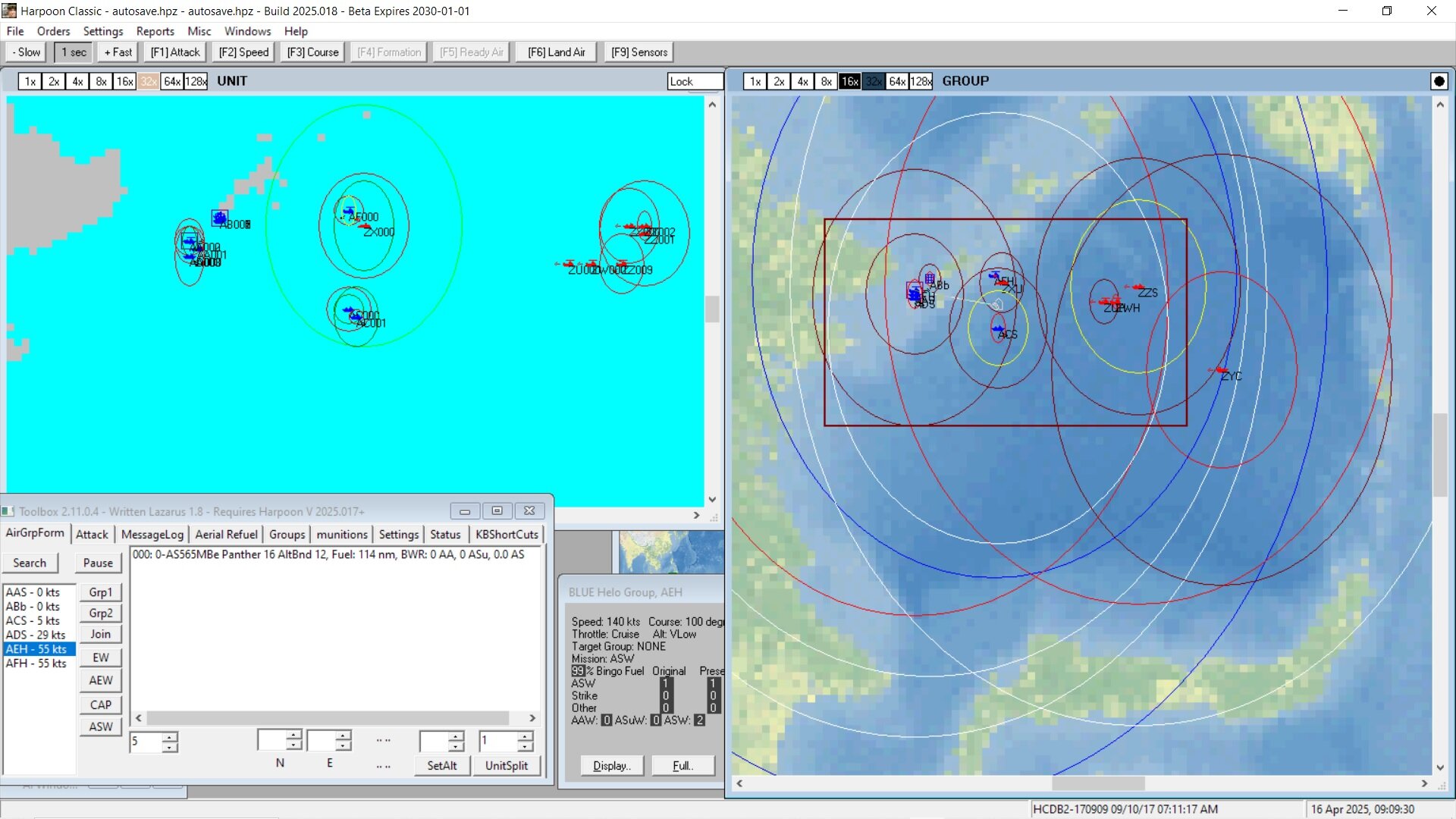
Scenario Background:
More and more the countries of South East Asia are co operating together in military exercises. In this scenario Japan and Australia partner up with Indonesia and the Philippines in a 4 day exercise where a beachhead has been established on a small Philippines Island by a combined Indonesia and Australian force while Japan and The Philippines are tasked with reversal of the invasion.
Notes on Platforms
The RAN FFG Newcastle is meant as an example of their project 3000 General Purpose Frigate replacing the old Anzac class. see https://en.wikipedia.org/wiki/Australian_general_purpose_frigate_program
THe HC platform used is a Greek Hydra (Meko 200HN) from 2009 as an example of the Meko 200 possible choice.
The Philippines BRP Antonio Luna is meant as a representative of their Jose Rizel class of multi-role guided missile frigates, currently in service with the Philippine Navy, are a heavily modified variant of the Republic of Korea Navy's Incheon class frigates. see https://en.wikipedia.org/wiki/Jose_Rizal-class_frigate
TO USE:
This scenario is to be run with Database HCDB2-170909 in either battleset Malacca (built in database) or the custom battleset SouthPacIslands.
It is a seek and destroy type scenario so you will best set up your patrols etc then go to a high acceleration time factor until an enemy is detected (or they detect you).