

Skip to content
View in the app

A better way to browse. Learn more.

HarpGamer

A full-screen app on your home screen with push notifications, badges and more.

To install this app on iOS and iPadOS
  1. Tap the Share icon in Safari
  2. Scroll the menu and tap Add to Home Screen.
  3. Tap Add in the top-right corner.
To install this app on Android
  1. Tap the 3-dot menu (⋮) in the top-right corner of the browser.
  2. Tap Add to Home screen or Install app.
  3. Confirm by tapping Install.

Bugout 2

1 Screenshot

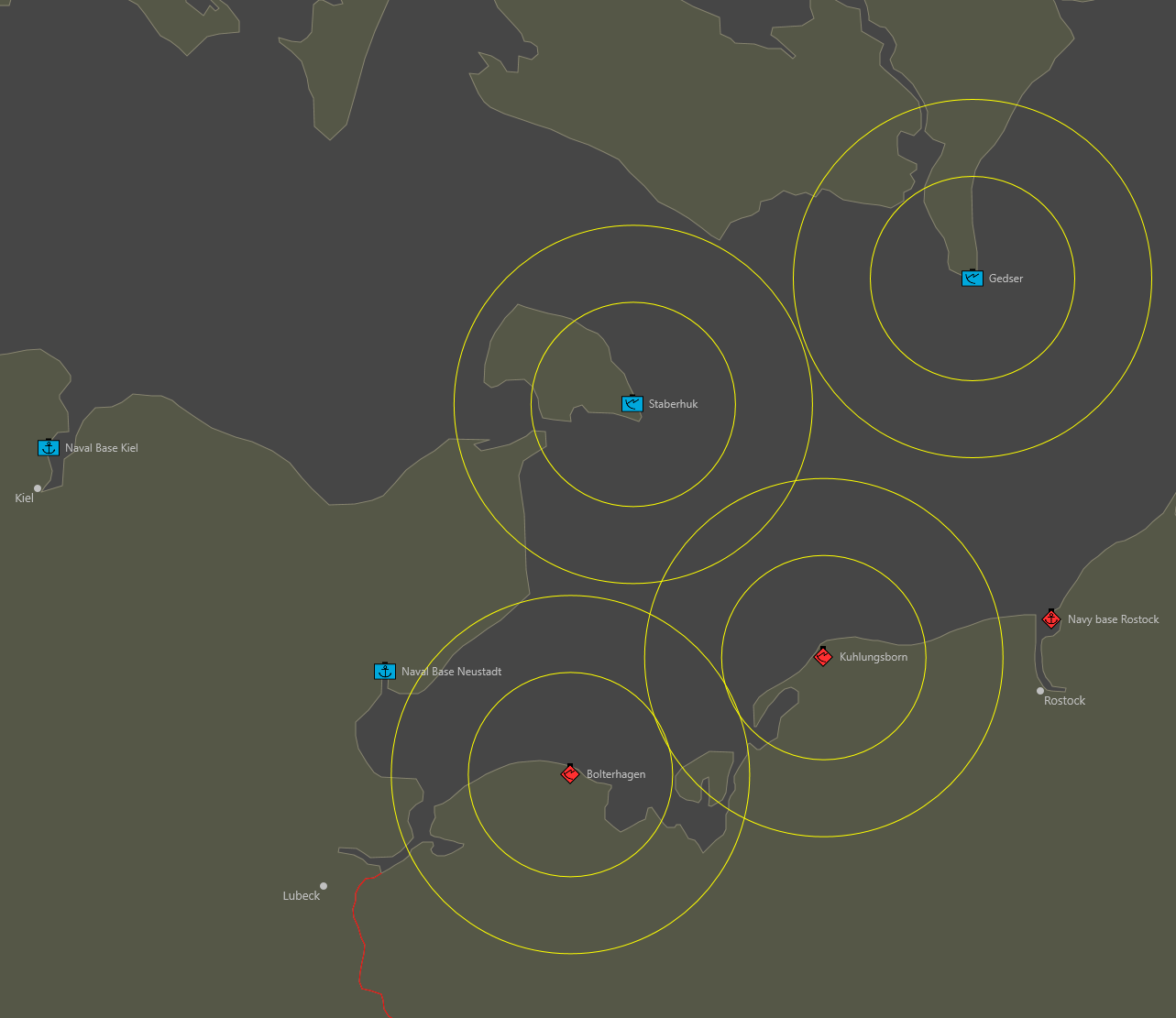
This is the SimPlot setup file for the Harpoon V scenario "Bugout" that is featured in The Naval SITREP issue #60 (April 2021).

The installations are on the map, but the ships are not. This way, players may choose where to place them.

All the naval ships and missiles that may be used in the scenario are importable, and are located in the Units folder.

Civilian ships are an optional rule, but they are not included in the Units folder. They are very simple to create, with the only differences being the type and maximum speed (and size class, but that is not tracked in SimPlot).

This scenario is compatible with SimPlot version 2.1.1.

What's New in Version 2

Released

  • Added East and West German ships to the setup file.
  • The maximum number of ships are present.
  • Players may delete whichever ships are not needed for their scenario.

Account

Navigation

Search

Search

Configure browser push notifications

Chrome (Android)
  1. Tap the lock icon next to the address bar.
  2. Tap Permissions → Notifications.
  3. Adjust your preference.
Chrome (Desktop)
  1. Click the padlock icon in the address bar.
  2. Select Site settings.
  3. Find Notifications and adjust your preference.